
The safest pet monitor video camera uses strong encryption, two factor login, privacy controls, and local video storage.
Choosing the safest pet monitor video camera is about more than clear video or cute treat alerts. Your camera sits inside your home, watches private spaces, and may connect to your phone, Wi-Fi network, and cloud account. After comparing common security features, privacy settings, storage options, and daily pet care needs, this guide will help you choose a camera that keeps both your pet and your data safer.
What Is the Safest Pet Monitor Video Camera?
The safest pet monitor video camera is not always one specific brand. It is a camera with a strong security design, regular software updates, secure account access, and clear control over video storage.
For many homes, the safest choice is a camera that offers:
• End-to-end or strong transport encryption
• Two factor authentication
• Local video storage or a trusted privacy focused cloud service
• A physical privacy shutter or lens cover
• Automatic security updates
• A clear privacy policy
• Limited staff access to stored video
• The option to delete recordings
A local storage camera can be safer because video stays on a microSD card or local hub. However, local storage does not remove every risk. Someone could still access the camera if your password is weak, your router is unsafe, or the camera software is outdated.
The safest pet monitor video camera should also fit your home. A camera pointed at a living room has different privacy needs than one pointed at a crate or backyard. Think of the device as a small window into your home. You want a strong lock, a curtain, and control over who gets the key.
Why Pet Camera Security Matters
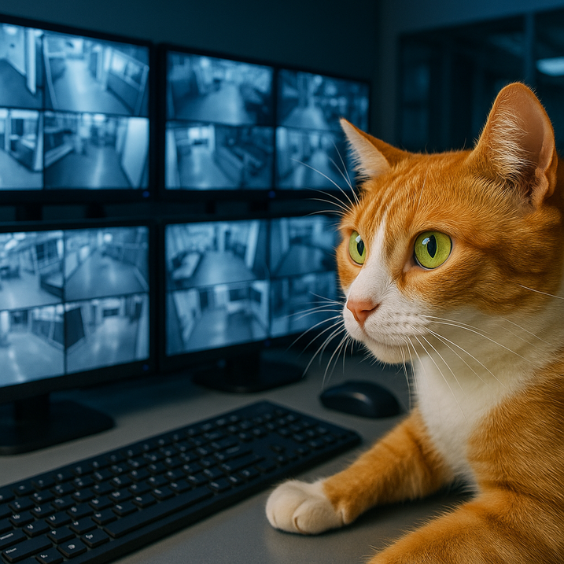
Pet cameras collect more than images of your dog or cat. They may record your voice, family members, visitors, home layout, daily schedule, and personal conversations.
A hacked camera can create several problems:
• An intruder may watch live video.
• A stranger may speak through the two way audio system.
• Stored clips may expose private parts of your home.
• Login details may be reused to enter other accounts.
• A camera can reveal when you are away.
• Poorly protected data may be shared with service providers.
Security researchers and government agencies have repeatedly advised consumers to change default passwords, update connected devices, and use multi factor authentication. These simple steps matter because smart cameras are part of the Internet of Things, often called IoT.
In my own camera comparisons, the biggest mistake people make is focusing only on video quality. A sharp 2K image is useful, but it is not worth much if the account has no two factor login or the device no longer receives updates.
Privacy also matters for pets. Some pet cameras use cloud systems to process motion, sound, barking, or facial activity. These tools can be helpful, but the company may store or process clips outside your home. Read the privacy terms before turning on features such as cloud recording or human review.
The Most Important Safety Features
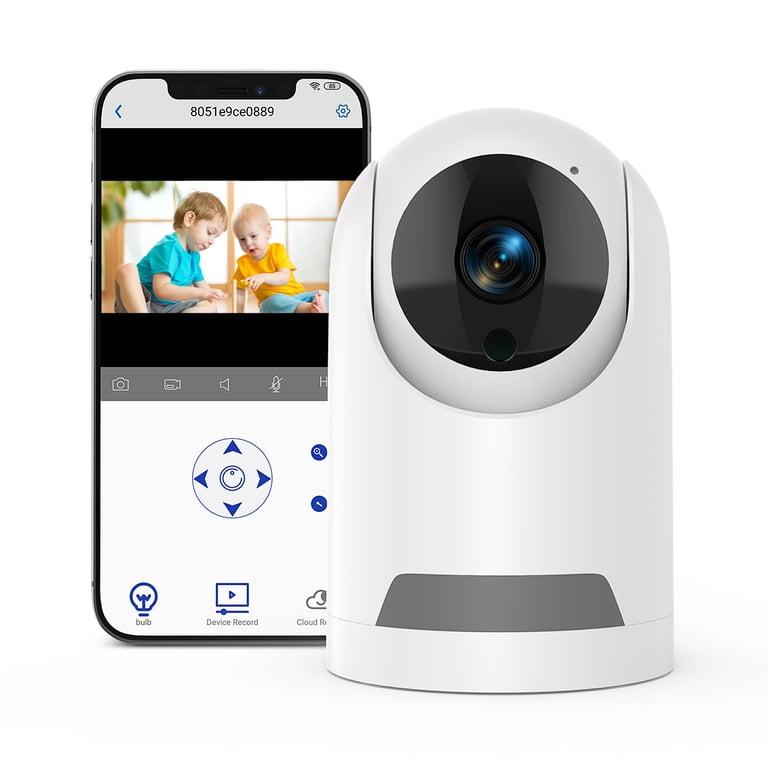
The safest pet monitor video camera should pass several basic checks. No device is risk free, but strong features can reduce common threats.
End to end encryption
End to end encryption protects video while it travels from the camera to your phone. In a true end to end system, only approved devices can view the footage.
Many cameras use encryption during transmission and while data sits on a server. That is helpful, but it is not always the same as full end to end encryption. Check the maker’s security page for clear details.
Two factor authentication
Two factor authentication, or 2FA, adds a second check after your password. This may be an app code, security key, or confirmation on a trusted device.
Use 2FA whenever it is offered. It can block many account takeovers even if someone learns your password.
Strong password controls
Use a long, unique password for the camera account. Do not reuse your email, banking, or social media password.
A password manager can create and store a different password for each service. This is one of the simplest ways to protect a connected pet camera.
Local storage
Local storage keeps recordings on a memory card, base station, or network storage device. It can reduce cloud exposure and may lower monthly costs.
Still, local storage has limits. A thief could remove the memory card, and a camera with poor network security can still be attacked. Choose a device that encrypts local files and lets you set a separate storage password.
Privacy shutter or lens cover
A physical cover gives you visible proof that the camera cannot see the room. Software controls are useful, but a physical shutter offers extra peace of mind.
This feature is especially useful in bedrooms, home offices, and homes with guests. You can cover the lens when monitoring is not needed.
Automatic updates
Camera software should receive regular firmware updates. Updates may fix security flaws, improve stability, and remove known weaknesses.
Before buying, check how long the company promises to support the device. A low cost camera may seem appealing, but a camera with no update policy can become unsafe over time.

Local Storage Versus Cloud Storage
Storage is one of the main factors that separates the safest pet monitor video camera from a basic indoor camera.
Cloud storage sends clips to remote servers. This makes it easy to view recordings from anywhere and may support advanced features such as:
• Smart motion alerts
• Bark detection
• Person and pet recognition
• Activity timelines
• Automatic backup
The tradeoff is that your video leaves your home. You must trust the provider to protect it, limit staff access, and explain how long it keeps recordings.
Local storage keeps files closer to home. It can offer more privacy and reduce subscription fees. Yet setup may be harder, and you may lose remote access if your home internet fails.
A practical middle ground is a camera that supports both local storage and secure cloud access. You can keep routine clips locally while saving only important events to the cloud. Review the settings carefully because some devices turn on cloud backup by default.
When I help people compare cameras, I suggest asking four storage questions:
Where are recordings saved?
How long are clips kept?
Can I delete all clips at once?
Can employees or contractors view my recordings?
If the company cannot answer these questions in plain language, consider another option.
Wi-Fi and Network Safety
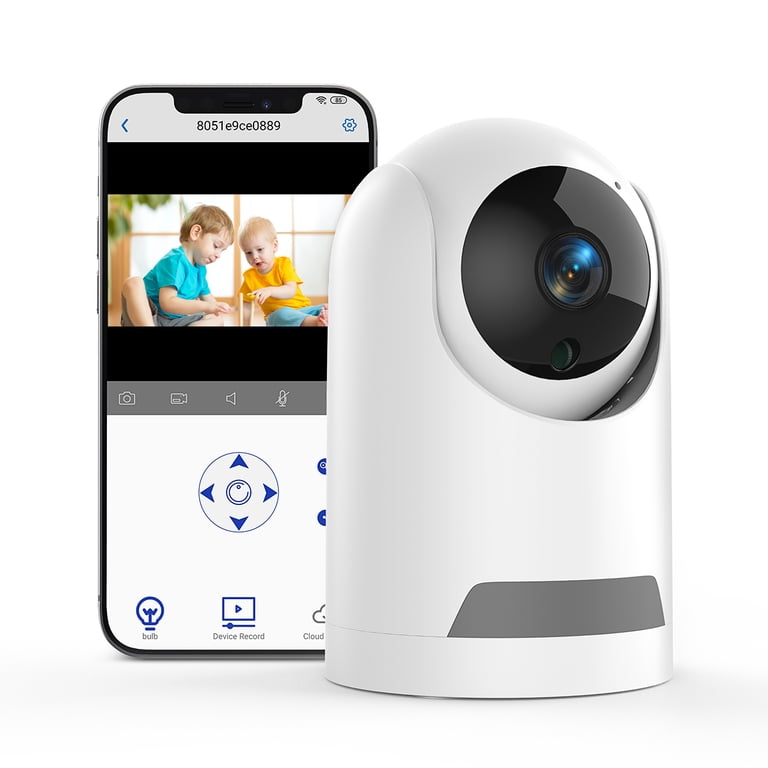
Even the safest pet monitor video camera depends on your home network. A secure camera connected to an unsafe router is still at risk.
Use these network habits:
• Change the router’s default administrator password.
• Turn on WPA2 or WPA3 encryption.
• Keep router firmware updated.
• Create a separate guest or IoT network for smart devices.
• Turn off remote router management unless you need it.
• Avoid public Wi-Fi for camera setup.
• Review connected devices in the router app.
A separate IoT network acts like a fence around smart devices. If one device has a problem, it may reduce access to computers, phones, and private files.
Do not forward camera ports from your router to the public internet. Port forwarding can expose the camera directly to online scans and attacks. Most modern cameras work through secure app connections without this setting.
You should also remove old users from the camera account. A former roommate, pet sitter, or family member may still have access if you never revoke permission.
Pet Camera Features That Improve Safety
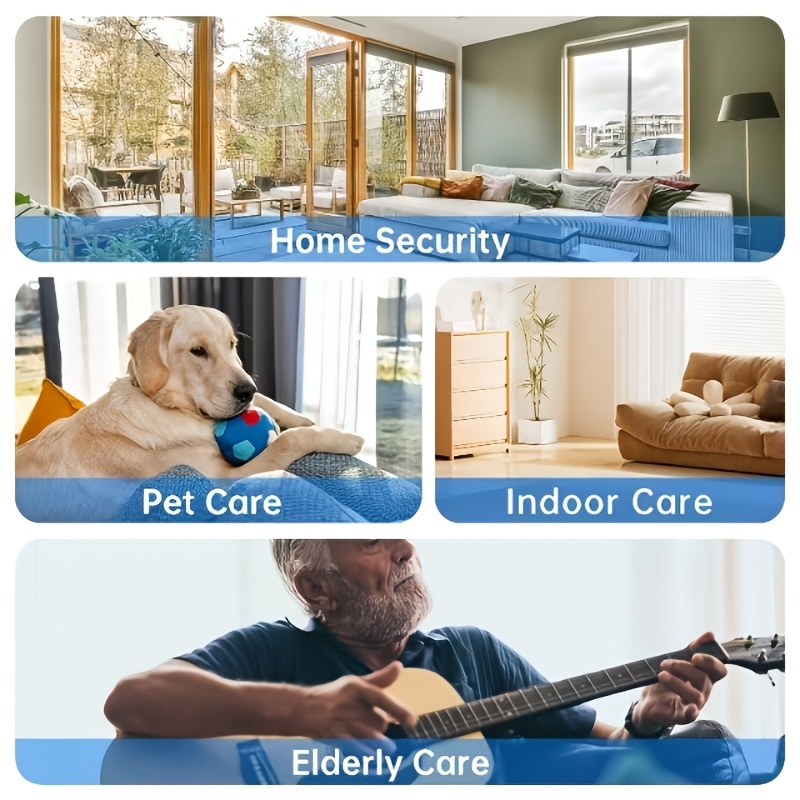
Safety is not only about cybersecurity. The camera should also protect your pet from physical hazards and false alarms.
Useful pet monitoring features include:
Safe placement
Place the camera on a stable shelf or mount it securely. Keep cords away from chewing pets. Avoid placing the device near water bowls, heaters, open windows, or climbing surfaces.
A curious cat can knock over a loose camera. A puppy can chew a power cord in minutes. Cable covers and wall mounts can prevent these common problems.
Clear night vision
Infrared night vision can help you check on a pet without leaving bright lights on. Avoid cameras that use strong visible lights if your pet finds them stressful.
Test night vision before relying on it. Reflections from glass, walls, or shiny floors can create a white blur.
Reliable motion alerts
Motion alerts should separate people, pets, and general movement when possible. A camera that sends alerts for every shadow can cause alert fatigue.
False alerts are more than annoying. They may cause you to ignore a real problem. Adjust motion zones so the camera does not watch a busy window, fan, or television.
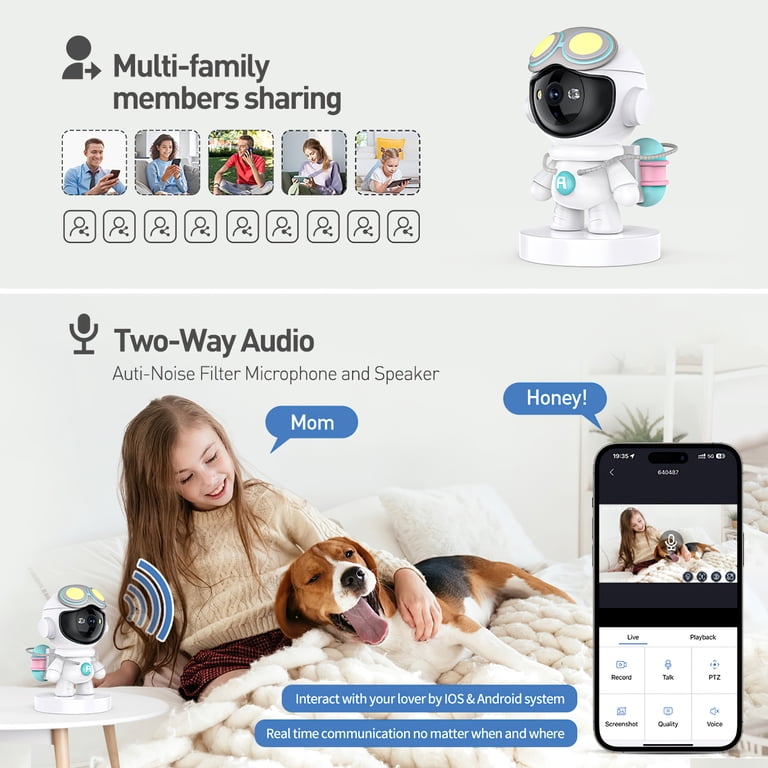
Two way audio
Two way talk can calm a pet or help a sitter find the camera. Use it with care. Sudden voices from an empty room may frighten some dogs and cats.
Speak in a calm tone. If your pet shows stress, stop using the speaker and use the camera only for visual checks.
Temperature alerts
Temperature monitoring can warn you about a hot or cold room. Treat this feature as a guide, not a medical instrument.
Place a separate, trusted thermometer near your pet’s resting area. A camera may measure the air near its own housing, which can differ from the temperature on the floor.
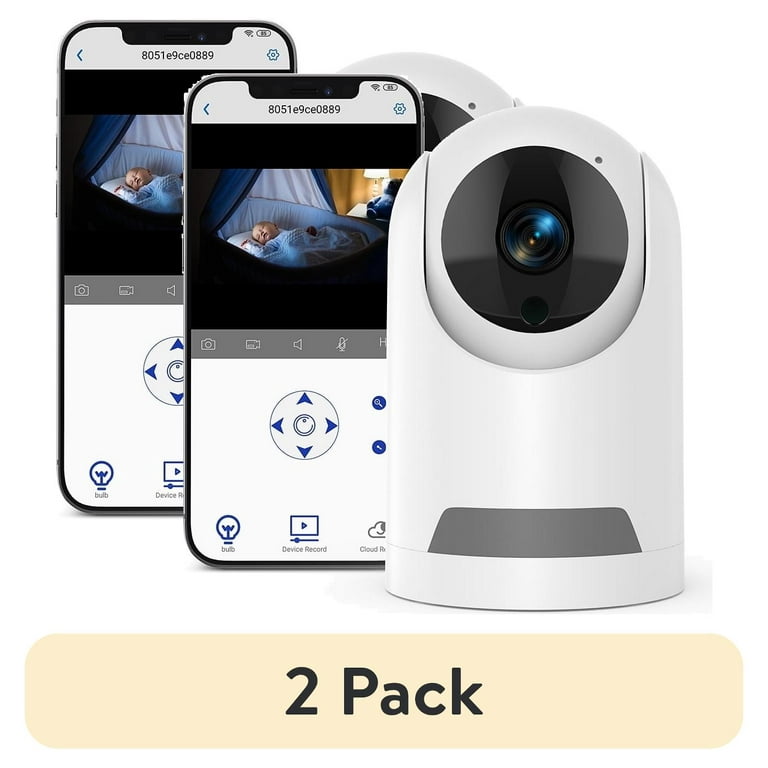
How to Choose the Safest Pet Monitor Video Camera
Use this step by step process before you buy.
1. Define your monitoring needs
Decide whether you need live video, recorded clips, barking alerts, treat delivery, or two way audio. Extra features often require extra data collection.
A simple camera may be the safest choice if you only need to check whether your dog is resting.
2. Check the security page
Look for information about encryption, 2FA, firmware updates, vulnerability reports, and data deletion. Avoid products with vague claims such as “military grade security” without useful details.
3. Review storage choices
Choose local storage if keeping video at home is your top concern. Choose a cloud plan only after reviewing retention rules, account access, and cancellation terms.
4. Inspect privacy controls
Look for a physical lens cover, scheduled privacy mode, microphone control, and simple recording deletion. The controls should be easy to find in the app.
5. Research support history
A company that responds to security reports and publishes updates earns more trust than one that stays silent. Search for recent firmware releases and customer support information.
6. Test the camera early
Use the return period to test:
• Live view
• Night vision
• Motion alerts
• Audio quality
• Privacy mode
• Account sharing
• Recording deletion
• Wi-Fi recovery after a brief outage
Testing at home can reveal problems before you depend on the camera during work or travel.

Common Camera Types and Their Tradeoffs
Different camera types suit different homes. The safest pet monitor video camera depends on the balance between privacy, convenience, and features.
Local only indoor camera
This type stores video on a memory card or local hub. It is a good fit for people who want minimal cloud use.
Its drawbacks may include harder remote viewing, manual backups, and fewer smart alerts.
Cloud connected pet camera
This type offers simple remote access, activity history, treat controls, and smart notifications. It is convenient for busy owners.
Its main concern is data exposure. A security issue at the account, app, or service level could affect stored video.
Smart home compatible camera
A camera that works with Apple Home, Google Home, or another smart home platform may provide better control and automation.
Check which company processes video and whether all features work without a subscription.
Treat dispensing camera
Treat cameras can be fun, but they add moving parts. A pet may become obsessed with the device or eat too many treats.
Use small treats, set daily limits, and never use a dispenser as a substitute for water, exercise, or human care.
Outdoor pet camera
Outdoor cameras need weather protection, strong mounting, and secure power. Check the IP rating and place the camera where pets cannot chew the cable.
Do not point an outdoor camera at a neighbor’s private area or a public space without considering privacy laws and local rules.
Mistakes to Avoid
Many camera security problems come from small setup errors. Avoid these common mistakes:
• Keeping the default password
• Sharing one login with several people
• Skipping two factor authentication
• Using a camera that no longer receives updates
• Leaving the microphone on all day
• Saving every clip forever
• Placing the camera in a private room
• Connecting the camera to an open Wi-Fi network
• Buying a device from a seller with no support history
• Installing unofficial firmware or unknown apps
One mistake I often see is turning on every feature at once. Owners enable cloud recording, smart alerts, voice control, and public sharing before learning what each feature does. Start with live video and basic alerts. Add features only when you understand their privacy cost.
Also, do not assume a famous brand guarantees perfect safety. Reputable companies can still experience bugs or breaches. Good security is an ongoing process, not a label printed on a box.

A Simple Secure Setup Checklist
After buying the safest pet monitor video camera, complete these steps:
Update the camera firmware.
Install the official mobile app.
Create a unique, long password.
Turn on two factor authentication.
Change the camera name from the default model number.
Connect it to a separate IoT network if possible.
Set a privacy schedule.
Disable the microphone when you do not need it.
Set motion zones around your pet’s normal area.
Test alerts during the day and at night.
Review shared users every month.
Delete old recordings on a regular schedule.
Check for firmware updates every few months.
Secure cords and mount the camera safely.
Keep another thermometer if temperature affects your pet’s health.
This checklist takes little time but closes many common gaps. Think of it like locking your doors before leaving home. It becomes easy once it is part of your routine.
What Is the Best Choice for Most Homes?
For most people, the safest pet monitor video camera is a reputable indoor model with local storage, optional secure cloud access, 2FA, automatic updates, a privacy shutter, and clear data controls.
If privacy is your highest priority, choose a local storage camera and disable cloud features. If convenience matters most, choose a well-supported cloud camera with strong encryption, strict account security, and transparent retention rules.
Avoid choosing based only on:
• The highest resolution
• The lowest price
• The largest treat capacity
• The longest subscription list
• The most colorful app
A camera is a safety tool, not just a gadget. The best option is the one you can secure, update, understand, and use without creating new risks.
Frequently Asked Questions About the Safest Pet Monitor Video Camera
Is a pet camera safe to use?
A pet camera can be safe when you use a unique password, 2FA, updated firmware, and secure Wi-Fi. No internet connected device is completely risk free, so limit cloud storage and shared access when possible.
Are pet cameras with local storage safer?
Local storage can reduce exposure because recordings remain in your home. However, the camera still needs secure software, strong account protection, and regular updates.
Should I cover my pet camera when I am home?
Covering the camera or using a physical privacy shutter is a good habit when monitoring is not needed. It provides a simple barrier against accidental recording and unwanted viewing.
Can hackers talk through a pet camera?
Yes, a compromised account or camera may allow someone to use two way audio. Protect the account with 2FA, use a strong password, update the device, and disable the microphone when you do not need it.
Do pet cameras record all the time?
Some cameras record continuously, while others save only motion or sound events. Check the recording mode, storage settings, and retention period before setup.
Is a pet camera better than a home security camera?
A pet camera may offer pet alerts, treat dispensing, activity tracking, and two way talk. A home security camera may provide stronger alarm features, broader coverage, and better integration with a security system.
How often should I update a pet camera?
Install updates whenever the manufacturer releases them. Also check the product’s support policy because a camera that no longer receives updates may become a poor long term choice.
Conclusion
The safest pet monitor video camera combines strong account security, regular updates, careful storage choices, privacy controls, and safe placement. Local storage can reduce cloud exposure, while 2FA and a unique password help protect remote access.
Before buying, compare the privacy policy, update history, storage options, and lens controls. Then test the camera at home and remove features you do not need. Choose a camera that helps you care for your pet without turning your home into an open window. Explore trusted product guides, review your settings often, and share your own pet monitoring tips in the comments.
