
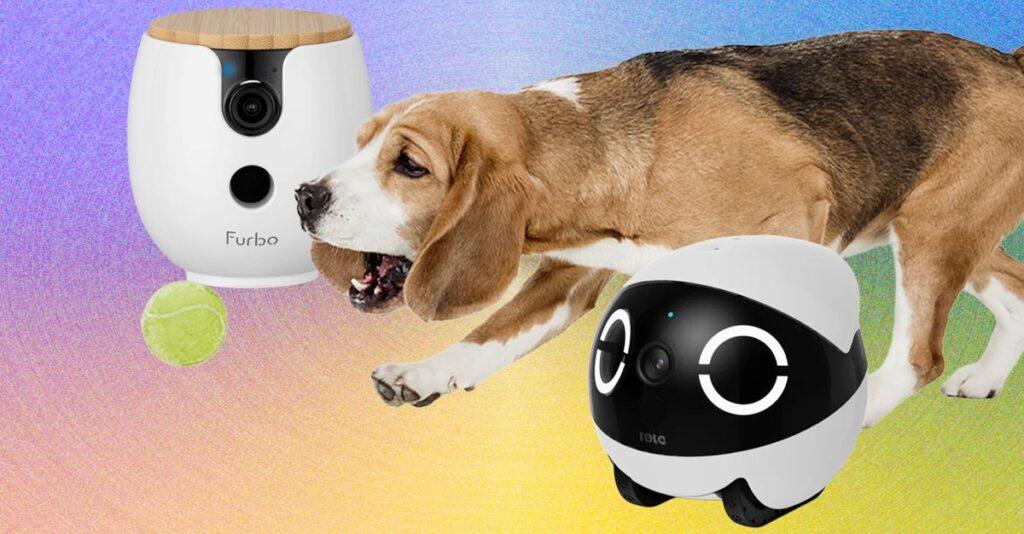
The EBO Air 2 is the best pet robot camera for most homes because it combines mobility, smart alerts, and two-way talk.
Choosing the best pet robot camera is about more than finding the sharpest video. You need safe movement, useful alerts, strong privacy controls, reliable Wi-Fi, and features that match your pet’s habits. After comparing popular models and real-world use cases, this guide will help you choose a robot camera that acts like a small set of wheels, eyes, and ears for your home.
What Is the Best Pet Robot Camera?
The best pet robot camera for most pet owners is the EBO Air 2. It offers a mobile view, automatic patrols, two-way audio, night vision, and pet-focused tracking in one compact device.
Unlike a fixed indoor camera, a robot pet camera can move around your home. This gives you a better chance of finding your dog behind the sofa, checking your cat’s food bowl, or seeing what caused a sudden noise.
However, no single model is perfect for every home. The best choice depends on your pet, floor type, camera needs, budget, and comfort with cloud services.
Best overall: EBO Air 2
The EBO Air 2 is a strong all-around choice because it balances useful features with simple controls. It can move across smooth floors, stream video, support two-way communication, and help you check different rooms from your phone.
Its main strengths include:
• Mobile remote control for checking different areas
• High-definition video with night vision
• Two-way voice communication
• Automatic movement and pet tracking features
• A built-in laser or play feature on some versions
• Charging support through a home dock
The robot may not work well on thick rugs, stairs, or cluttered floors. It also needs a stable wireless connection and enough open space to move safely.
Best for play: SKYMEE Owl Robot
The SKYMEE Owl Robot is designed for owners who want more interaction. It may let you speak to your pet, move the device remotely, dispense treats, and use a laser or similar play function.
This makes it appealing for cats and playful dogs. Still, treat dispensers can jam, and laser play should be used carefully with cats. A laser can provide exercise, but it should not replace a toy that the pet can physically catch.
Best for simple monitoring: a fixed pet camera
A fixed pet camera may be the better choice if you only need to watch one room. Models from brands such as Petcube, Furbo, and Wyze can provide clear video without the added cost or maintenance of wheels.
A fixed camera is often more stable than a robot. It also avoids problems with rugs, charging docks, and pets that may knock the device over.
How We Evaluate the Best Pet Robot Camera
A pet robot camera should do more than produce a live video feed. It should help you understand what your pet is doing while reducing stress for both of you.
When comparing the best pet robot camera options, focus on these areas:
Video quality
Look for at least 1080p video. A wide viewing angle is also helpful because pets move quickly and may not stay in the center of the frame.
Useful video features include:
• Night vision for evening checks
• Digital zoom for viewing details
• Wide-angle coverage
• Smooth video at a stable frame rate
• Clear image quality in low light
Higher resolution does not always mean a better experience. A camera with excellent video but weak Wi-Fi can still freeze when you need it most.
Movement and navigation
Mobility is the feature that separates a robot camera from a normal indoor camera. A good robot should move smoothly, turn without getting stuck, and return to its charging dock with reasonable accuracy.
Check whether the robot can handle:
• Hardwood floors
• Tile
• Low-pile rugs
• Carpet edges
• Pet toys
• Furniture legs
Most small robot cameras struggle with stairs. Keep them on one floor unless the manufacturer clearly states otherwise.
Pet detection
Some cameras can identify movement, people, pets, or specific sounds. These alerts can be useful when your dog barks, your cat enters a room, or someone walks through the house.
AI detection is not perfect. A shadow, moving curtain, or passing car may trigger an alert. Treat smart detection as a helpful assistant, not a replacement for checking the video yourself.
Audio quality
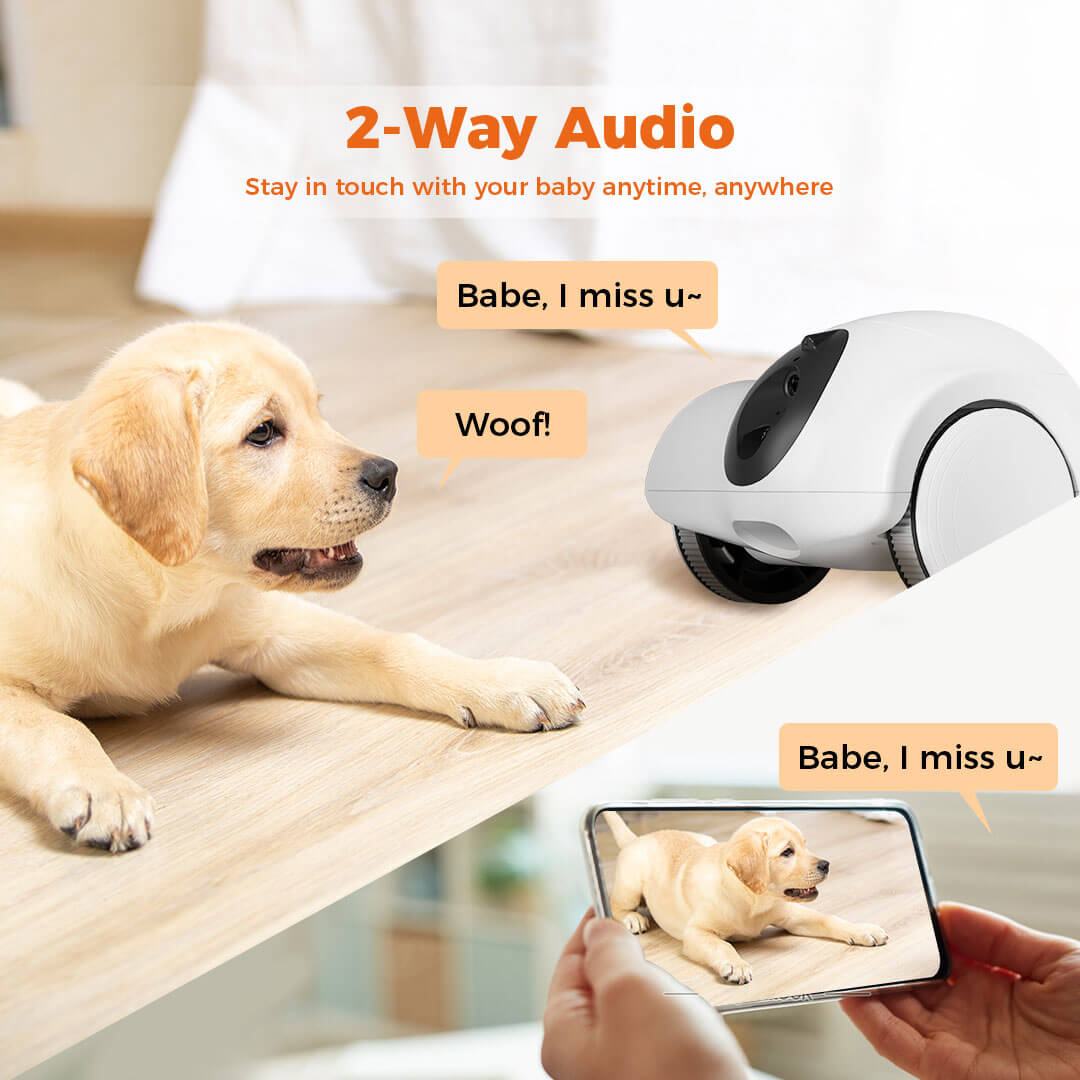
Two-way audio lets you talk to your pet through the app. This can help calm a nervous dog or let your pet hear your voice while you are away.
Test the microphone and speaker before relying on them. Some pets react well to your voice, while others become confused when they hear you but cannot find you.
Battery life and charging
A mobile camera needs a dependable battery. Battery life varies based on movement, video streaming, Wi-Fi strength, and automatic patrol settings.
A charging dock is important. Without one, you may return home and find the camera out of power under a chair. Place the dock in an open area where the robot can approach it from more than one direction.

Why Use a Pet Robot Camera?
The best pet robot camera can offer more than entertainment. It can provide information that helps you care for your pet more confidently.
Check separation anxiety
A camera can show whether your dog settles after you leave or spends hours pacing and barking. This matters because separation problems can worsen if they go unnoticed.
Video may also help you spot patterns. For example, your dog may relax after 20 minutes, or it may become distressed only when outside sounds begin.
Monitor older pets
Older dogs and cats may need closer observation. A robot camera can help you check whether your pet is eating, drinking, resting, or moving normally.
It cannot replace a veterinarian. If you notice repeated falls, changes in appetite, trouble breathing, or unusual weakness, contact a veterinary professional promptly.
Watch recovery after treatment
A camera can help you monitor a pet after surgery or illness. You may see whether your pet is licking a wound, jumping on furniture, or moving too much.
Use the camera as a support tool. Follow your veterinarian’s care plan and do not rely on video alone.
Interact during the day
Some pets enjoy hearing a familiar voice or chasing a moving robot. A short interaction may break up a long day.
Keep sessions calm and brief. If your pet hides, barks at the robot, or tries to attack it, stop using the movement or audio feature.
Best Pet Robot Camera Features to Look For
The best pet robot camera should fit your home and your pet’s personality. More features are not always better.
Automatic patrols
Automatic patrols allow the robot to move through preset areas. This can help you check multiple rooms without manually driving the device.
Use patrols only when the floor is clear. Cords, socks, toys, and pet bowls can block the robot or damage its wheels.
Two-way audio
Two-way audio is useful for simple communication. You can say “good dog,” call your cat for dinner, or ask someone at home to check the room.
Avoid using the speaker to correct bad behavior. Remote scolding may increase fear because your pet may not understand where the sound comes from.
Treat dispensing
Treat dispensing is a popular feature, but it has limits. Treats must be the correct size, and the dispenser must stay clean.
Count treats as part of your pet’s daily food. Too many rewards can contribute to weight gain, especially in indoor cats and less active dogs.
Laser play
Laser play can encourage movement, but it should be used with care. End the game with a physical toy or treat so your pet has a clear reward.
Do not shine a laser into your pet’s eyes. Avoid long sessions if your pet becomes frustrated or fixated.
Local storage
Some cameras support a microSD card or other local recording method. Local storage can reduce dependence on a monthly cloud plan.
Check whether local video remains available if the internet goes down. Some devices still require an account or app for setup.
Privacy controls
Privacy is a major part of choosing a pet camera. Look for:
• App login protection
• Two-factor authentication
• Encrypted video transfers
• Camera covers or privacy modes
• Clear data deletion controls
• Transparent subscription terms
Change the default password. Keep the app updated, and place the camera away from sensitive areas such as bedrooms or home offices.

EBO Air 2 vs. Other Pet Robot Cameras
Understanding the differences between models can make the buying decision easier.
EBO Air 2 vs. SKYMEE Owl Robot
The EBO Air 2 is usually a better fit for general monitoring and smooth remote movement. The SKYMEE Owl Robot may be more attractive if treat dispensing and play are your top priorities.
Choose EBO Air 2 if:
• You want broad room monitoring
• You prefer automatic movement
• You want a cleaner, simpler design
• You care about pet tracking and home patrols
Choose SKYMEE Owl Robot if:
• Your pet enjoys treat games
• You want more active interaction
• You are comfortable maintaining a dispenser
EBO Air 2 vs. a fixed camera
The EBO Air 2 gives you movement, but a fixed camera may offer a lower cost and easier setup. A stationary camera is also less likely to get stuck.
Choose a fixed camera if your pet stays in one room. Choose a robot if your pet moves throughout the home and you want to explore different areas remotely.
Robot camera vs. pet monitor with treats
A treat camera focuses on feeding and interaction. A robot camera focuses on movement and viewing.
If your main goal is to give occasional treats, a fixed treat dispenser may be enough. If you want to inspect different rooms, a mobile model is more flexible.
Potential Problems With Pet Robot Cameras
The best pet robot camera still has limitations. Understanding them can prevent disappointment.
It may get stuck
Small robots can become trapped under furniture or against a wall. Before leaving the device alone, test it in each room.
Move fragile items, loose cords, and small toys. Use virtual boundaries if the app supports them.
It may scare your pet
Some pets see the robot as a strange moving object. Dogs may bark at it, while cats may hide or swat at it.
Introduce the robot slowly:
Leave it turned off near your pet.
Let your pet sniff it.
Turn on the camera without moving it.
Move it a short distance.
Offer praise or a small treat.
Stop if your pet shows fear. A camera is not helpful if it makes the home feel unsafe.
Internet outages can interrupt access
Most smart pet cameras need Wi-Fi for live viewing and alerts. A weak router signal may cause delays or disconnections.
Place your router in a central location when possible. Avoid hiding the robot dock behind thick furniture or near large metal objects.
Subscriptions may cost more over time
Some brands limit cloud recordings, smart alerts, or advanced features unless you pay monthly. Read the plan details before buying.
Calculate the total cost over two years. A cheaper camera with a required subscription may cost more than a higher-priced camera with useful features included.

How to Set Up a Pet Robot Camera Safely
A careful setup improves both safety and performance.
Prepare the room
Remove hazards before the first drive. Pay special attention to:
• Charging cables
• Small pet toys
• Food and water spills
• Stairs
• Narrow gaps
• Tall rugs
• Fragile decorations
Keep the robot away from water bowls. Moisture can damage electronics and may create a safety risk.
Choose the charging dock location
Place the dock on a flat surface with open space around it. The robot should have a clear path to approach the dock.
Do not place the dock in a busy walkway. A pet or person may trip over the device while it is leaving or returning.
Adjust alerts
Start with basic alerts for motion and sound. Too many notifications can cause alert fatigue, and you may begin ignoring important warnings.
After a few days, remove alerts that do not help. Keep the ones that match your pet’s normal routine.
Respect your pet’s comfort
A camera should support your pet, not control every moment. Give your dog or cat quiet time without constant voice commands or moving patrols.
This is one of the most important lessons from using connected pet devices: technology works best when it fits the animal’s needs.
Is a Pet Robot Camera Worth It?
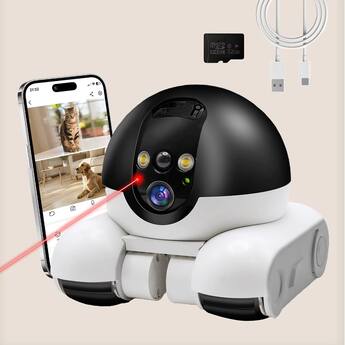
A pet robot camera can be worth the cost if you work long hours, travel often, or have a pet that needs regular observation.
It is especially useful for:
• Dogs with separation concerns
• Older pets
• Pets recovering from illness
• Homes with multiple rooms
• Owners who want remote interaction
It may not be worth it if your pet stays in one small area or becomes stressed by moving devices. In that case, a fixed camera can provide better value.
The best pet robot camera should solve a real problem. Do not buy one simply because it has the most features.
Buying Guide: How to Choose the Right Model
Use this quick process before you buy.
Decide what you need to monitor. Is it eating, sleeping, barking, recovery, or general safety?
Measure your home’s floor types. Check rugs, thresholds, and narrow spaces.
Set a full budget. Include subscriptions, memory cards, and replacement parts.
Check privacy tools. Look for strong passwords, updates, and clear account controls.
Review return terms. Your pet may dislike the robot, or the device may struggle with your floors.
Test it while you are home. Do not begin with an unattended patrol.
For most buyers, the EBO Air 2 is a sensible starting point. But a fixed camera may be a smarter purchase for simple room monitoring.

Frequently Asked Questions About What Is The Best Pet Robot Camera?
What is the best pet robot camera for most people?
The EBO Air 2 is one of the best choices for most homes because it combines mobile viewing, two-way audio, smart monitoring, and automatic charging. Your final choice should still depend on floor type, pet behavior, and subscription costs.
Are pet robot cameras safe for dogs and cats?
Pet robot cameras are generally safe when used on clear floors and introduced slowly. Keep them away from stairs, water, loose cords, and pets that show strong fear or aggression toward moving objects.
Do pet robot cameras work without Wi-Fi?
Most models need Wi-Fi for live video, app control, and alerts. Some may record locally, but features can be limited when the internet connection is unavailable.
Can a pet robot camera replace a pet sitter?
No. A camera cannot provide food, water, exercise, medical help, or emergency care. It is a monitoring tool and should not replace a sitter for pets that need regular hands-on care.
Do pet robot cameras require a monthly subscription?
Some brands offer basic access without a subscription, while advanced alerts and cloud recordings may require a paid plan. Check the current service terms before buying because pricing and features can change.
Are robot pet cameras good for cats?
They can be useful for cats that enjoy movement and play. However, some cats may fear the device, and laser features should be used briefly with a physical toy or treat at the end.
Conclusion
The best pet robot camera gives you more than a live view. It helps you understand your pet’s routine, check unusual behavior, and stay connected while you are away.
For most households, the EBO Air 2 offers the strongest balance of mobility, video, communication, and smart monitoring. A fixed camera may be better for simple, low-cost coverage, while a treat-focused model may suit pets that enjoy interactive games.
Start by identifying your real need, checking your floor space, and reviewing privacy and subscription terms. Then choose a camera that supports your pet’s comfort instead of adding stress. Explore current models carefully, test the device at home, and share your experience with other pet owners.
