
The best dog camera combines clear video, smart alerts, two-way audio, and reliable app access.
Choosing the best dog camera to buy is about more than picking the model with the most features. You need a camera that fits your dog’s habits, your home, your budget, and your comfort with cloud services. After comparing video quality, treat dispensers, subscription fees, privacy controls, and real-world ease of use, this guide will help you choose with confidence.
What Is the Best Dog Camera to Buy?
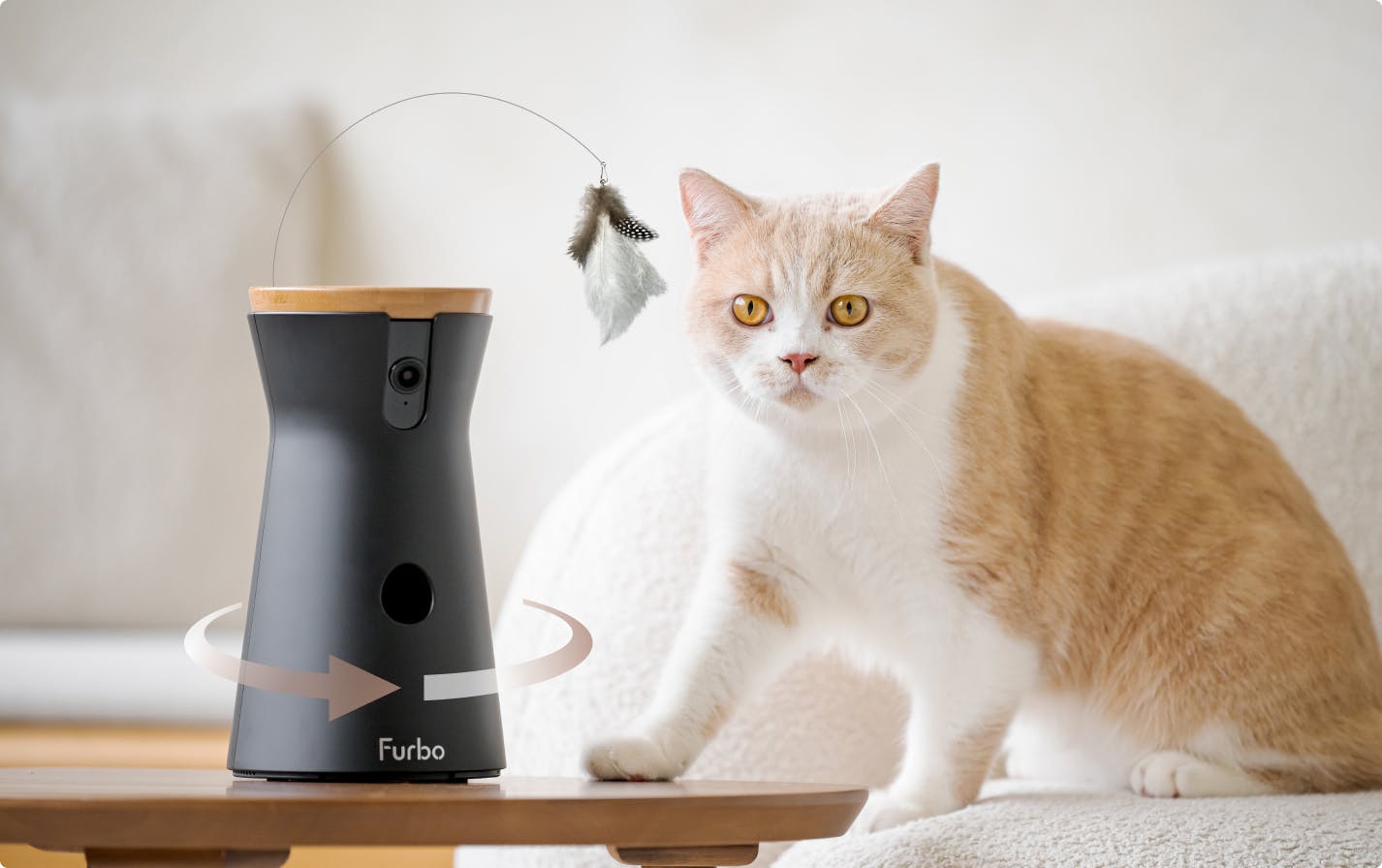
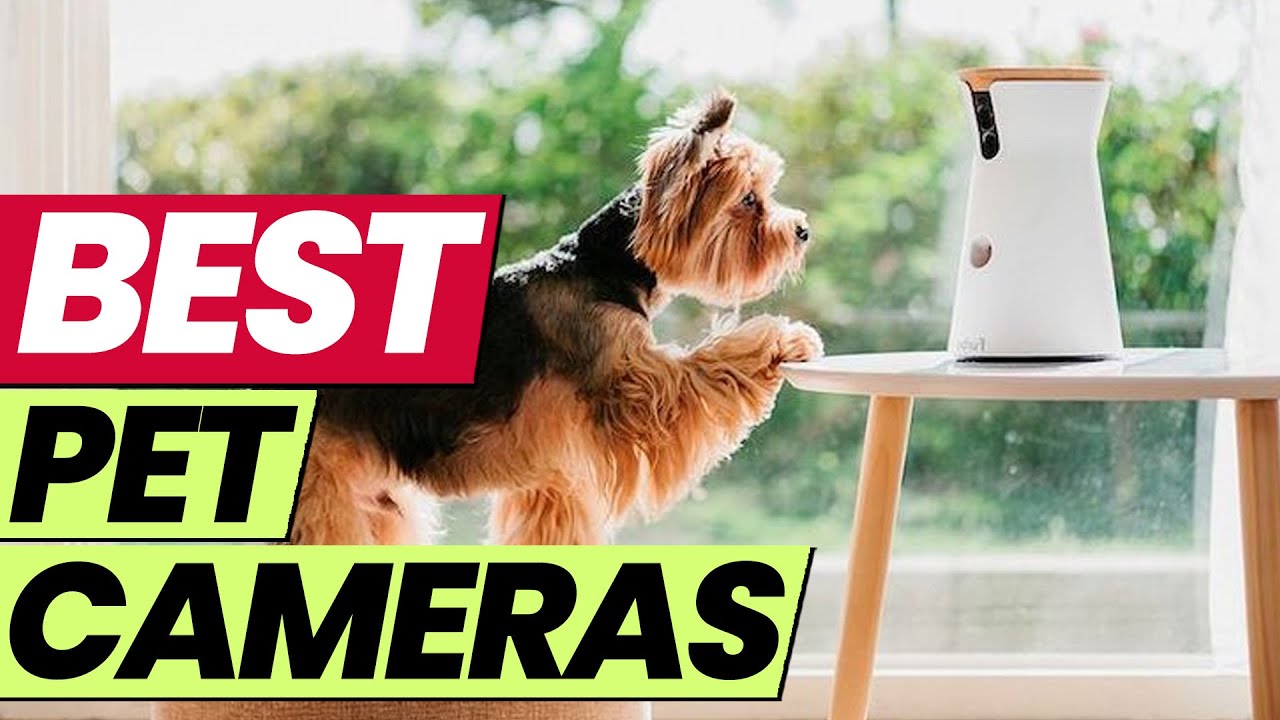
For most dog owners, the Furbo 360 Dog Camera is one of the strongest all-around choices. It offers 360-degree viewing, two-way audio, barking alerts, night vision, and treat tossing. Its rotating view helps you follow a dog who moves from room to room.
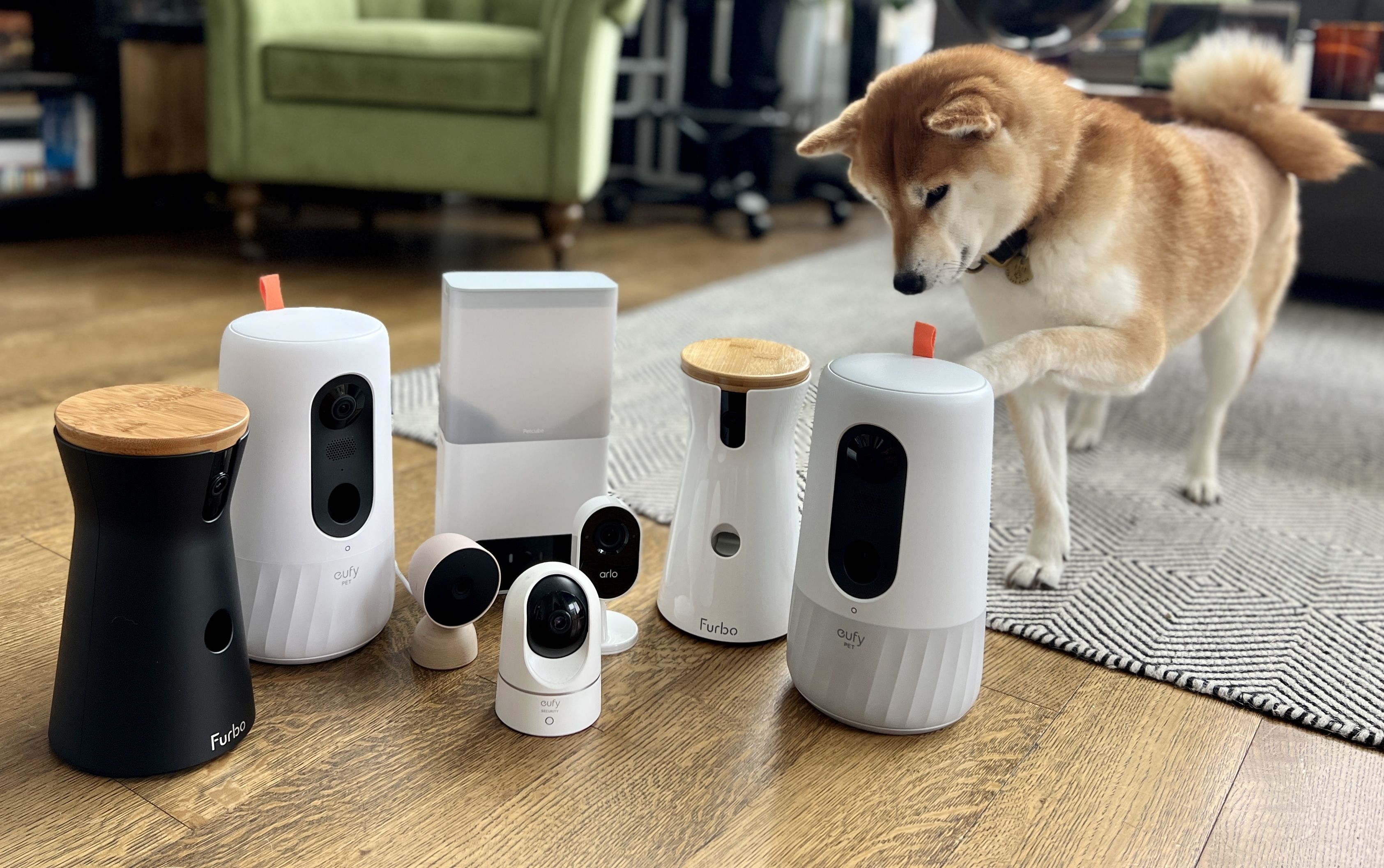
The best dog camera to buy for you may be different, though. A budget shopper may prefer the TP-Link Tapo C225. A pet parent who wants health tracking may prefer the Petcube Bites or Petcube Cam. Someone who wants a simple indoor security camera may not need a pet-specific model at all.
Here are the top choices by need:
• Best overall: Furbo 360 Dog Camera
• Best budget option: TP-Link Tapo C225
• Best for treat tossing: Furbo 360 or Petcube Bites
• Best for health and behavior insights: Petcube Cam with a suitable subscription plan
• Best for simple monitoring: Wyze Cam or another reliable indoor security camera
• Best for larger homes: A camera with wide coverage, strong Wi-Fi, and 360-degree rotation
The best dog camera to buy should provide stable video first. Fun extras matter, but they cannot replace a dependable connection.

How to Choose the Best Dog Camera to Buy
A dog camera is a small home-monitoring device made to help you check on your pet while you are away. Most models connect to Wi-Fi and send live video to a smartphone app. Some also offer sound alerts, motion tracking, treat dispensing, and recorded clips.
Before buying, think about your daily routine. Do you leave your dog alone for eight hours? Does your dog bark at outside sounds? Does your puppy chew furniture? Your answers will guide the best dog camera to buy.
Video quality
Look for at least 1080p video. This resolution is clear enough to see your dog’s face, body language, and surroundings.
A wide-angle lens is useful in small rooms. A pan-and-tilt camera is better when your dog moves around. Night vision is important if you work late or leave your dog alone after sunset.
Audio quality
Two-way audio lets you speak to your dog through the app. It can help some dogs feel calm, but it can confuse others.
I have found that a calm voice works better than repeated commands through a camera. If your dog becomes more anxious when hearing you but cannot find you, turn off the speaker feature.
Smart alerts
Smart alerts can identify motion, barking, or people. Some premium cameras claim to recognize pets, unusual activity, or specific behaviors.
These alerts are useful, but they are not perfect. A camera may mistake a shadow for motion or send several alerts when your dog walks across the room. Choose a model that lets you adjust alert sensitivity.
Treat dispensing
treat tossing can be fun and useful for training. However, the treat chamber should be easy to clean and large enough for the treats you use.
Avoid loading soft, sticky, or oversized treats unless the manufacturer allows them. A blocked dispenser can turn a helpful feature into a frustrating one.
Storage and subscriptions
Some cameras offer free live viewing but charge a monthly fee for cloud recordings, advanced alerts, or health reports. Others support a microSD card for local storage.
Read the subscription terms before you buy. The best dog camera to buy is not always the one with the lowest starting price. A cheaper camera may cost more over time if key features require a monthly plan.

Best Dog Cameras to Consider in 2025
The best dog camera to buy depends on the features you value most. The models below cover different needs, from premium pet monitoring to low-cost home viewing.
Furbo 360 Dog Camera
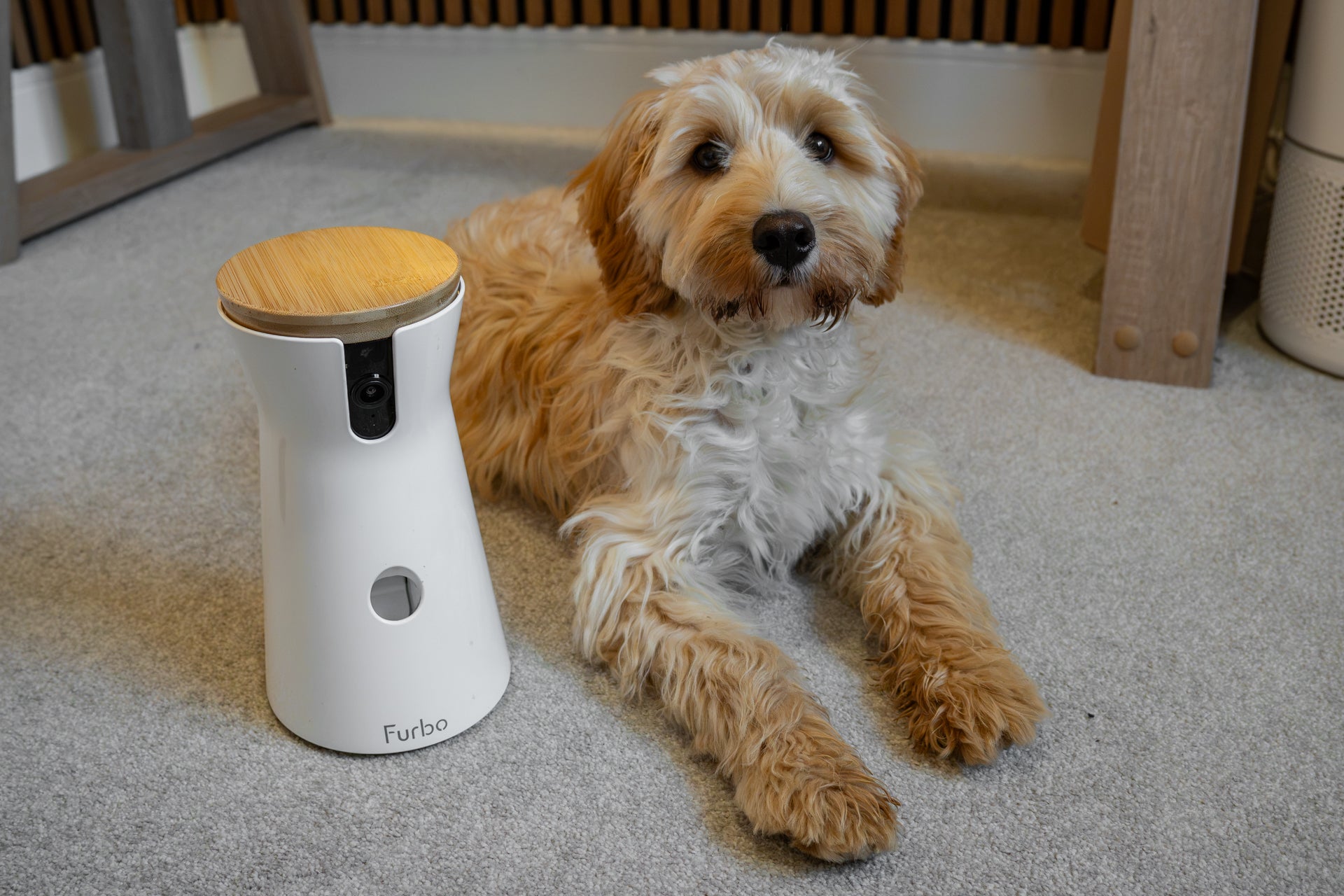
The Furbo 360 is a strong pick for people who want a full pet-monitoring system. Its rotating view can cover much of a room, and its treat-tossing feature adds an interactive element.
Notable features often include:
• 360-degree viewing
• Two-way audio
• Night vision
• Bark alerts
• Treat tossing
• Smartphone notifications
The main drawback is cost. Some advanced functions may require a paid plan, and the camera works best when placed near the center of the room.
Petcube Bites
The Petcube Bites is designed for owners who want video monitoring with treat dispensing. It has a modern design and can work well on a shelf or mounted on a wall.
Its strengths include:
• Clear video
• Treat tossing
• Two-way communication
• Pet-focused mobile app features
• Compact design
The treat system is best for small, dry treats. Check the current size limits before buying, especially if your dog eats large biscuits.
TP-Link Tapo C225
The Tapo C225 is a good choice for shoppers who want many useful features without paying for a pet-branded device. It commonly includes pan-and-tilt movement, high-resolution video, night vision, and motion alerts.
It may not toss treats or provide detailed pet health reports. Still, it can be the best dog camera to buy if your main goal is reliable room monitoring.
Its key benefits include:
• Strong value
• Wide viewing range
• Motion tracking
• Privacy mode on some versions
• Local storage support on some versions
Always check the exact model and region because features can vary.
Wyze Cam
Wyze offers affordable indoor cameras with useful features for basic pet monitoring. Many owners use them to check whether a dog is sleeping, barking, pacing, or getting into trouble.
The advantages are simple setup and low cost. The limitations may include subscription requirements for certain alerts, changing app features, and less pet-specific support than premium brands.
For a dog who only needs basic supervision, a Wyze camera may be enough.
Eufy indoor cameras
Eufy indoor cameras appeal to people who prefer local storage and fewer cloud services. Some models offer high-resolution video, pan-and-tilt movement, and activity alerts.
Privacy-focused buyers should review how each model stores and processes video. “Local storage” does not always mean that every feature works without an internet connection.
The best dog camera to buy for privacy should give you clear control over recording, storage, user access, and account security.
Pet Camera Features That Matter Most
Marketing pages often highlight playful features. The most valuable features are usually less exciting but more dependable.
Reliable Wi-Fi connection
A camera is only helpful when it stays connected. Place it where the Wi-Fi signal is strong, but do not hide it behind thick walls, metal objects, or large appliances.
If your home has weak coverage, consider a mesh Wi-Fi system. A better router may improve your pet camera more than buying a more expensive model.
Clear night vision
Infrared night vision lets you check on your dog in a dark room. Look for a camera that does not produce too much glare from nearby walls or furniture.
Test the camera at night before relying on it. A dog’s eyes can reflect infrared light and create a bright glow, but the image should still show the room clearly.
Motion and sound detection
Motion detection can tell you when your dog moves. Sound detection may alert you when your dog barks or whines.
Sensitivity settings matter. A camera pointed at a window may detect passing cars, tree branches, or changing sunlight. Adjust the activity zone so the camera focuses on the area where your dog spends time.
Privacy controls
A good camera should offer strong account security. Use a unique password and turn on two-factor authentication when available.
A physical privacy shutter is helpful. It gives you a clear way to block the lens when you do not want the camera viewing the room.
Stable app performance
The mobile app should open quickly and show live video without frequent crashes. You should also be able to change settings without searching through confusing menus.
This is one reason I recommend checking recent customer reviews. Hardware specifications do not show how well the app performs after several months.

Dog Camera Subscription Costs
Many pet cameras use a subscription model. The camera may seem affordable, but advanced services can add a monthly or yearly fee.
Subscription features may include:
• Cloud video history
• Longer video clips
• Smart pet recognition
• Bark and activity reports
• Emergency alerts
• Multiple user accounts
• Health or behavior summaries
A subscription can be worthwhile if you need recorded evidence of barking, accidents, or unusual behavior. It may not be worth the cost if you only want to watch your dog live.
Before buying the best dog camera to buy, calculate the total cost for two years. Include the camera, subscription, memory card, mounting hardware, and possible replacement parts.
Where to Place a Dog Camera
Camera placement affects image quality more than many people expect. A camera that points at a bright window may show a dark silhouette instead of a clear dog.
Use these placement tips:
• Put the camera on a stable shelf or mount.
• Aim it toward your dog’s main resting area.
• Keep it away from wagging tails and curious paws.
• Avoid placing it near a heater or in direct sunlight.
• Test the view from your dog’s eye level.
• Keep treat dispensers away from the edge of furniture.
A higher position can provide a wider view. A lower position may show your dog’s face more clearly. Test both if your camera allows flexible placement.
I once saw a pet camera placed behind a plant. The leaves triggered motion alerts all day. Small changes, such as moving the camera six inches, solved the problem.
Dog Camera Safety and Privacy Tips
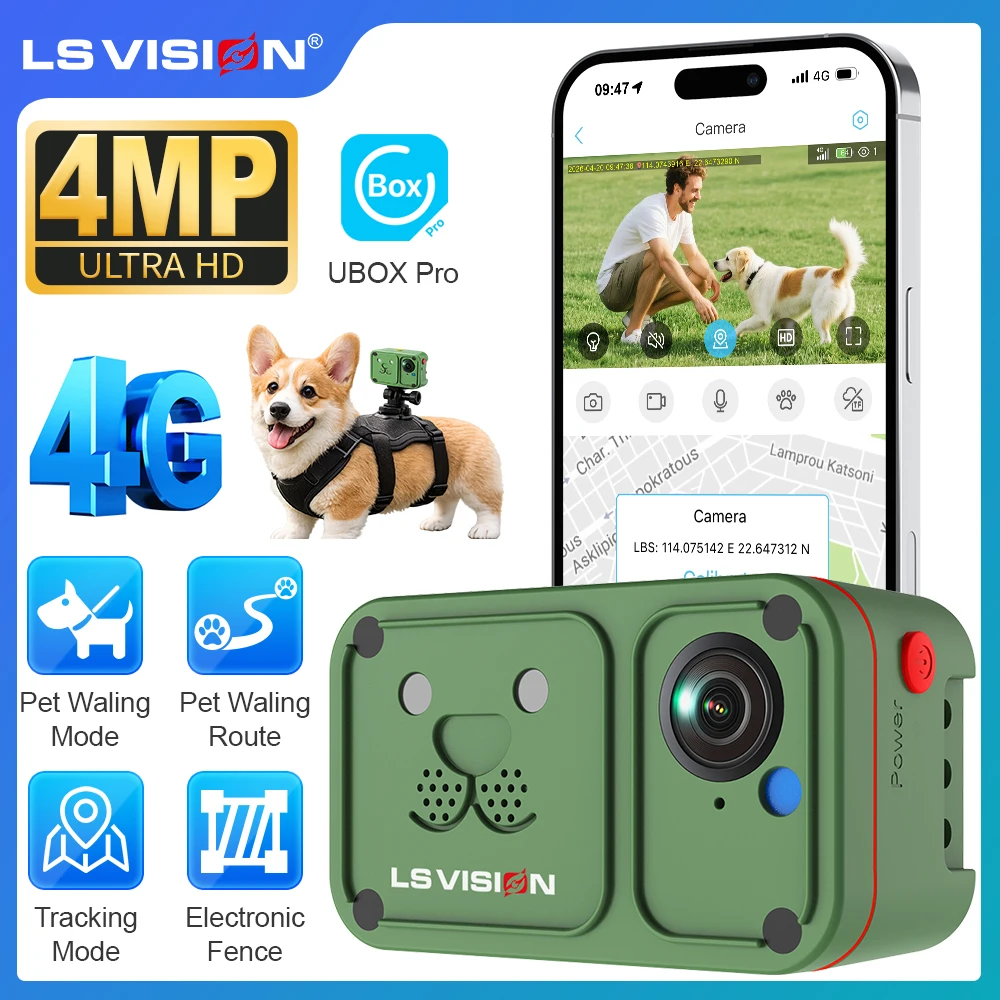
A dog camera can improve peace of mind, but it also connects a device inside your home to the internet. Treat it like any other smart home product.
Follow these safety steps:
• Use a unique, strong password.
• Turn on two-factor authentication.
• Install app and camera firmware updates.
• Limit access to trusted household members.
• Delete old users from the account.
• Use a secure home Wi-Fi network.
• Disable recording when it is not needed.
• Review the brand’s data and privacy policy.
Do not use a camera as a replacement for proper care. A camera can show that a dog is pacing, vomiting, or struggling, but it cannot provide veterinary treatment.
Barking alerts also need context. A dog may bark because of fear, pain, boredom, or a noise outside. If the behavior is new or severe, speak with a veterinarian or qualified behavior professional.

Common Mistakes to Avoid
Buying the most expensive model is not always the right answer. Many owners pay for features they never use while missing basic issues such as poor Wi-Fi or limited storage.
Avoid these mistakes:
• Choosing a camera without checking subscription costs.
• Buying a treat dispenser without checking treat size.
• Placing the camera where your dog can knock it over.
• Ignoring privacy and account security.
• Assuming barking alerts are always accurate.
• Forgetting to test night vision.
• Using the microphone to correct behavior all day.
• Failing to test the camera before leaving home.
Set up the camera for a full weekend before trusting it during a long workday. Watch how your dog reacts to the sounds, lights, and alerts.
The best dog camera to buy should make life easier, not create a new stream of false alerts and technical problems.
Is a Dog Camera Worth Buying?
A dog camera can be worth buying if you want reassurance, behavior information, or a way to check on a new puppy. It can also help you learn whether your dog sleeps, paces, barks, or reacts to household sounds while you are away.
The camera is less useful if you expect it to solve separation anxiety by itself. Dogs with severe anxiety may need gradual training, environmental changes, and professional guidance.
For many homes, a basic indoor camera is enough. For dogs who enjoy interaction, a treat dispenser and two-way audio may add value. The best dog camera to buy should match a real need in your home.
Frequently Asked Questions About What Is the Best Dog Camera to Buy?
What is the best dog camera to buy overall?
The Furbo 360 Dog Camera is a strong overall choice because it combines rotating video, night vision, two-way audio, barking alerts, and treat tossing. Its subscription cost may be a drawback for owners who want advanced features without monthly fees.
Is a dog camera better than a regular indoor security camera?
A pet camera usually offers features made for animals, such as treat tossing, bark alerts, and pet activity tracking. A regular indoor camera may be better for simple live viewing and can cost less.
Do dog cameras need Wi-Fi?
Most smart dog cameras need Wi-Fi for live viewing and phone alerts. Some models support local recording, but advanced features and remote access usually still require an internet connection.
Are dog cameras safe for pets?
Dog cameras are generally safe when placed securely and used correctly. Keep cords out of reach, avoid loose mounting, and do not give treats that are too large for the dispenser.
Do dog cameras require a monthly subscription?
Not always. Some cameras offer live video and local recording without a subscription, while cloud history, smart alerts, and health reports may require a paid plan.
Can a dog camera help with separation anxiety?
A camera can help you observe separation-related behavior, but it does not cure anxiety. Training, routine changes, enrichment, and advice from a veterinarian or behavior expert may be needed.
Should I buy a camera with a treat dispenser?
Buy one if your dog enjoys food rewards and you will use the feature safely. Skip it if your dog guards food, has swallowing problems, or becomes stressed by mechanical sounds.
Conclusion
The best dog camera to buy is the one that gives you reliable video, useful alerts, strong privacy controls, and features your dog will actually benefit from. For many owners, the Furbo 360 is the best premium choice, while the TP-Link Tapo C225, Wyze Cam, or another indoor camera may offer better value.
Start by identifying your main need: live viewing, barking alerts, treat tossing, night monitoring, or local storage. Then compare the full cost, test the camera before relying on it, and place it where your dog spends most of the day.
A good camera will not replace care or training, but it can give you a clearer view of your dog’s world. Compare your top choices, read current app and privacy details, and choose the model that fits both your home and your pet.
