
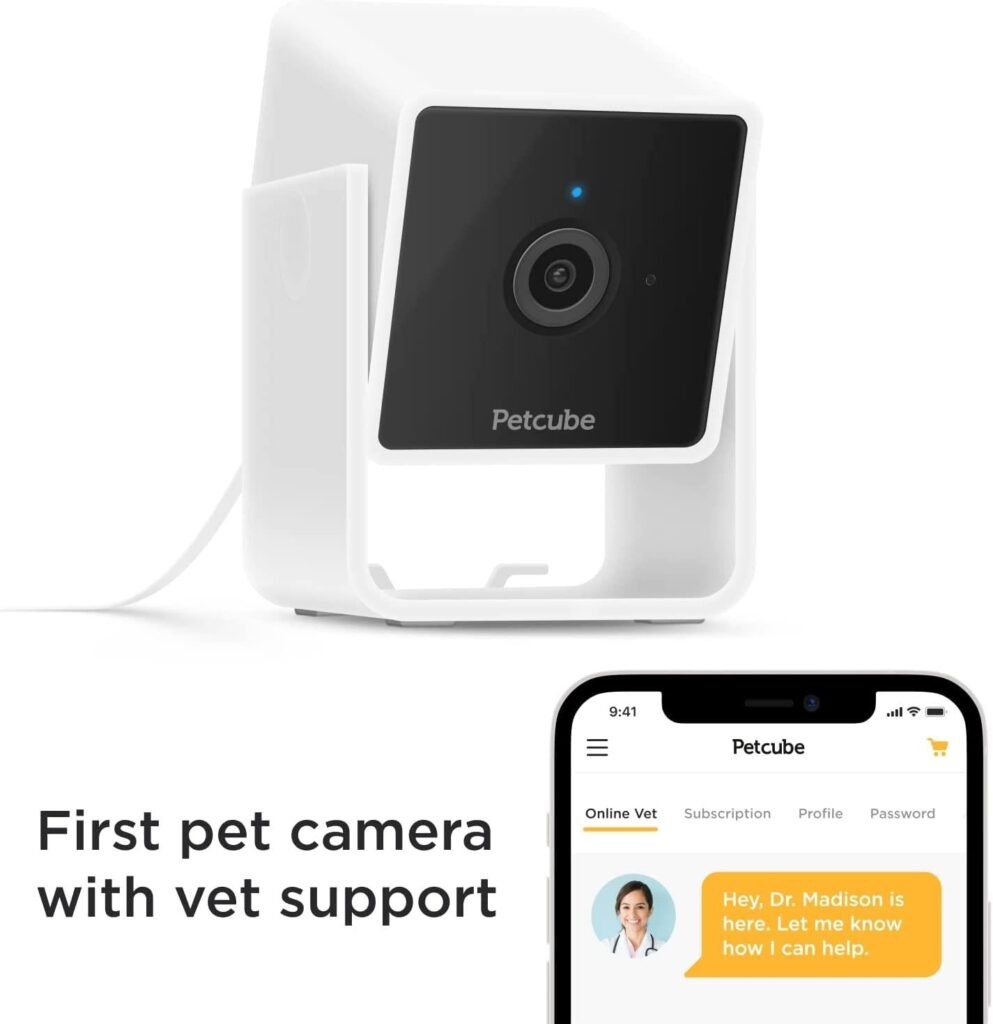
The Furbo 360 Dog Camera 2K is the best choice for most homes because it offers clear video, smart alerts, and useful pet features.
Choosing the right camera depends on your dog, home layout, Wi-Fi, and budget. After comparing pet cameras, indoor security cameras, video quality, treat systems, privacy tools, and subscription costs, this guide explains what to look for and which models make the most sense.
What Is the Best Camera for Watching Dogs at Home?
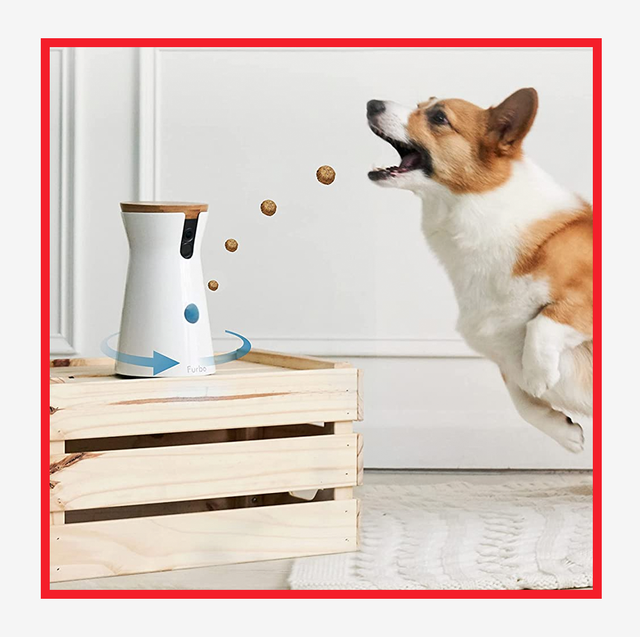
For most dog owners, the Furbo 360 Dog Camera 2K is the best camera for watching dogs at home. It offers a 360-degree view, 2K video, two-way audio, barking alerts, and treat tossing. Its wide view also helps reduce blind spots when your dog moves around the room.
That said, the best camera for watching dogs at home is not the same for every family. A small apartment may need a simple indoor camera. A home with several dogs may benefit from a wide-angle or multi-camera setup. If your dog has health concerns, clear night vision and reliable motion alerts may matter more than treat tossing.
Here are the strongest options for different needs:
| Best for | Recommended camera type |
|---|---|
| Best overall | Furbo 360 Dog Camera 2K |
| Best value | TP-Link Tapo indoor pan-and-tilt camera |
| Best for treats | Furbo 360 or eufy Pet Dog Camera |
| Best for privacy | A camera with a physical lens cover and local storage |
| Best for simple monitoring | A basic 1080p indoor security camera |
| Best for multiple rooms | Two or more pan-and-tilt indoor cameras |
A pet camera is more than a small screen on your wall. It is a window into your dog’s day. The right model can show whether your dog is resting, pacing, barking, chewing furniture, or waiting by the door.
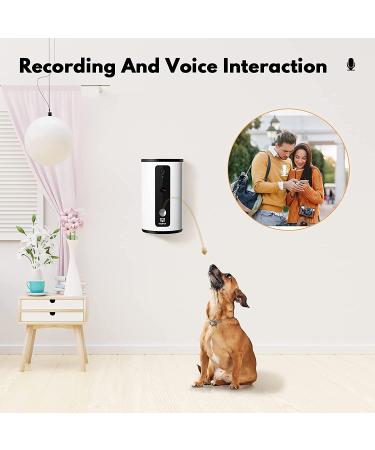
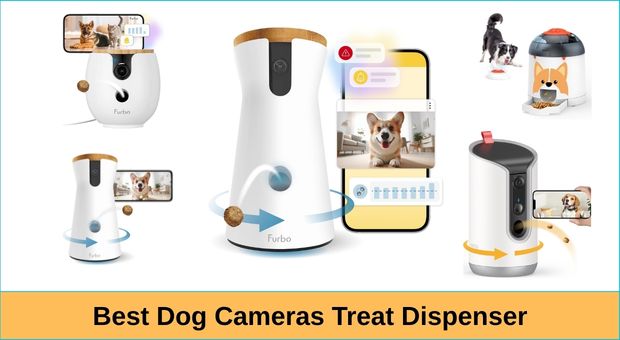
Furbo 360 Dog Camera 2K: Best Overall
The Furbo 360 Dog Camera 2K is the best camera for watching dogs at home when you want pet-focused features in one device. Its rotating lens can follow movement across a room, while 2K video gives you a sharper view than standard 1080p cameras.
Its main features include:
• 360-degree viewing for fewer blind spots
• Two-way talk through the mobile app
• Treat tossing from a distance
• Barking and sound alerts
• Night vision
• Motion notifications
• A wide-angle view for larger rooms
The treat dispenser can be useful for positive training. For example, you can reward your dog for staying calm while you are away. However, treats should be small, dry, and suitable for the dispenser. Never use the camera as a substitute for exercise, training, or human care.
Some advanced alerts and cloud features may require a paid plan. Check the current subscription terms before buying. A camera can still work well without a subscription, but some smart reports, video history, and special alerts may be limited.
In practical use, the biggest benefit of a rotating pet camera is context. A fixed camera may show your dog leaving the frame. A 360-degree model can often show where the dog went and what caused the movement.

Best affordable Option: A Pan-and-Tilt Indoor Camera
A basic indoor pan-and-tilt camera can be the best camera for watching dogs at home if you mainly want live video and two-way audio. Models from brands such as TP-Link Tapo, Wyze, and similar security camera makers often cost less than pet-specific cameras.
Look for these features:
• 1080p video or better
• Pan and tilt control
• Infrared night vision
• Motion alerts
• Two-way audio
• Local microSD storage
• Optional cloud recording
These cameras usually do not toss treats. They may also identify motion without knowing whether the subject is a dog, person, or moving curtain. Still, they can provide excellent value for checking on a sleeping dog during the workday.
A low-cost camera is a smart choice if your dog is calm and does not need special care. It can also work well as a second camera in another room. For example, place one in the living room and another near the area where your dog sleeps.
Pay attention to privacy settings. Change the default password, turn on two-factor authentication, and update the camera firmware. These simple steps reduce the risk of unauthorized access.
 affordable Option: A Pan-and-Tilt Indoor Camera”
style=”max-width: 100%; height: auto; border: 2px solid black; border-radius: 10px; display: block; margin: 0 auto;”
loading=”lazy”
/>
Best Camera Features for Dogs
The best camera for watching dogs at home should match your dog’s habits. A playful puppy needs different features from an older dog that sleeps most of the day.
Video quality
Choose at least 1080p resolution. A 2K camera offers more detail, which helps you see small movements, facial expressions, and body position. This can be helpful if you are checking whether your dog is limping or acting unusually.
High resolution also helps when the camera view is wide. A wide image can make your dog look smaller on the phone screen. Better detail makes it easier to zoom in without losing too much clarity.
Pan, tilt, and wide-angle viewing
A fixed camera is fine for a small room. A pan-and-tilt camera is better for open spaces. A 360-degree camera can cover most of a room from one location.
Avoid placing the camera behind furniture or near a bright window. Direct sunlight can wash out the image. Place it at your dog’s eye level when possible, but keep cords out of reach.
Night vision
Many dogs are active at night. Infrared night vision lets you check on them without turning on a bright light. Good night vision should show clear shapes without large areas of glare.
A camera with color night vision may need some light in the room. Traditional infrared night vision works in darkness but often shows black-and-white images.
Two-way audio
Two-way audio lets you speak to your dog. Some dogs relax when they hear a familiar voice. Others become confused because they cannot find you.
Test this feature before using it during a stressful moment. If your dog starts barking or searching the room after hearing you, use the microphone less often.
Bark and sound alerts
Bark detection can tell you when your dog may need attention. It can also help identify patterns. For example, your dog may bark only when delivery workers arrive or when construction begins nearby.
No alert system is perfect. Loud music, television, and other pets can trigger false alerts. Use alerts as clues, not as a diagnosis of anxiety or pain.
Treat dispensing
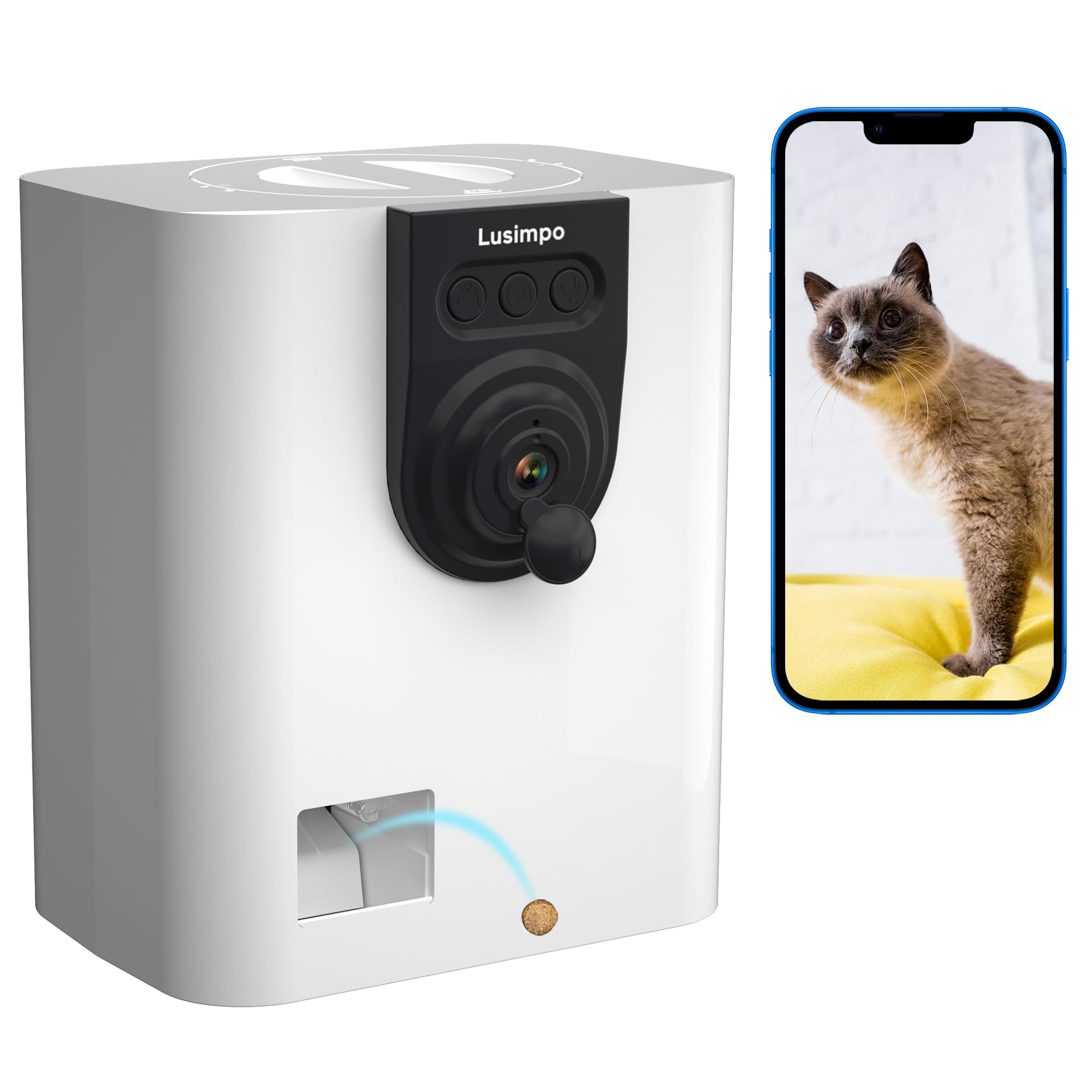
Treat tossing is fun, but it is not essential. It may help with rewards and simple training. It can also create excitement in dogs that already guard food or become overly focused on treats.
Use the smallest safe treats that fit the device. Keep the dispenser away from heat, moisture, and direct sunlight. Clean it often to prevent crumbs and odors.
How to Choose the Best Camera for Watching Dogs at Home
Before buying, think about what you need to learn about your dog. Do you want to check in once or twice a day? Do you need alerts? Are you trying to monitor separation anxiety or recovery after surgery?
Use this simple process:
Measure the room and identify the main areas your dog uses.
Decide whether one camera can cover the space.
Choose 1080p for basic viewing or 2K for greater detail.
Select pan and tilt if your dog moves between several areas.
Add night vision if your dog is active after dark.
Check whether alerts require a monthly subscription.
Confirm that the camera works with your home Wi-Fi.
Review privacy controls and storage options.
Read the return policy before opening the box.
Test the camera from a different network before relying on it.
Wi-Fi strength matters more than many buyers expect. A camera may work well near the router but fail in a back bedroom. If the video freezes, move the router, use a mesh system, or place the camera closer to the signal.
Also consider power. Most home pet cameras use a wall outlet. If your dog can chew cords, hide the cable inside a protective sleeve or place the camera on a high shelf. A camera is not useful if it becomes a safety risk.
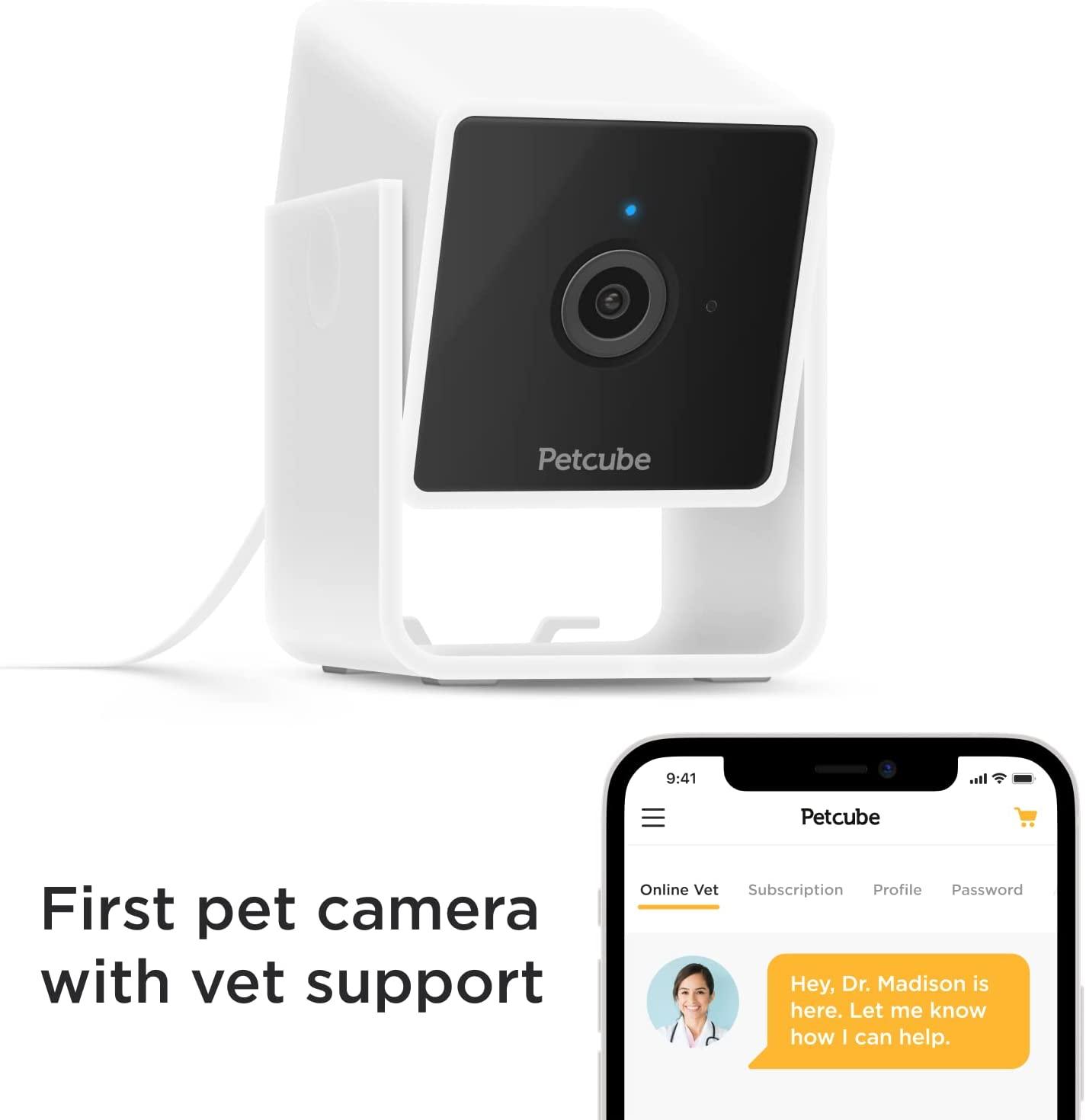
Pet Camera Subscription Costs and Storage
The best camera for watching dogs at home may look affordable at first, but subscription fees can change the total cost. Some brands charge for cloud video storage, smart alerts, longer recordings, or health reports.
Before you buy, compare:
• The camera price
• Monthly and yearly subscription costs
• Cloud storage length
• Local storage support
• Number of cameras included
• Smart alert features
• Warranty coverage
Local storage can reduce ongoing costs. A microSD card may save video directly inside the camera. However, local storage can be lost if the camera is damaged or stolen. Cloud storage offers off-site backup but depends on a company account and an internet connection.
Read the privacy policy in plain terms. Find out how long recordings remain stored, who can access them, and whether you can delete your account data. Use a strong password that you do not reuse on other websites.
The Federal Trade Commission has repeatedly advised consumers to secure connected devices with strong passwords, updates, and account protections. These steps matter because a pet camera is still an internet-connected device inside your home.
Where to Place a Dog Camera
Placement can make a good camera seem bad. Put the camera where it has a clear view of your dog’s main resting and walking areas.
Good locations include:
• A shelf facing the living room
• A corner with a wide view of the floor
• Near a dog bed, if your dog stays there
• Near a crate, if the crate is used safely
• Near a doorway where your dog often waits
Avoid placing the camera directly in front of a window. Backlight can make your dog appear as a dark shape. Do not place it where the dog can knock it over, chew the cable, or reach the treat container.
Do not point a camera into a private area used by guests or household members without their knowledge. If visitors, housekeepers, or pet sitters may enter, tell them about the camera. Some states have strict rules about recording audio, so review local law before using two-way sound recording.
For dogs recovering from surgery, place the camera so you can see movement without disturbing the recovery area. A camera can help you notice pacing, licking, or attempts to jump. It cannot replace instructions from your veterinarian.
Using a Camera to Understand Dog Behavior
A pet camera can reveal patterns that are hard to see when you are home. Your dog may bark for five minutes after you leave, pace near the door, then settle. Another dog may sleep for hours but become restless before a regular walk.
Keep a short behavior log. Record:
• The time you leave
• When barking begins
• How long pacing lasts
• What sounds occur outside
• When your dog settles
• Whether eating and drinking seem normal
This information can help you make better choices. You may discover that closing the curtains reduces barking. You may also learn that your dog needs more exercise before you leave.
Do not treat a camera recording as a medical diagnosis. Changes in eating, drinking, breathing, movement, or bathroom habits deserve attention from a qualified veterinarian. The American Veterinary Medical Association recommends professional care when a pet shows signs of illness or a sudden behavior change.
In my experience with home monitoring setups, the most common mistake is checking the camera too often. Constantly watching can increase your own stress. Set useful alerts, review patterns, and focus on meaningful changes instead of every yawn.
Common Mistakes to Avoid
Even the best camera for watching dogs at home can disappoint when it is used without a plan.
Avoid these mistakes:
• Buying a fixed camera for a large open room
• Ignoring the cost of cloud storage
• Placing the camera behind a lamp or curtain
• Using treats to interrupt every bark
• Speaking through the camera when your dog seems confused
• Leaving loose cords where your dog can chew them
• Relying on alerts instead of arranging proper care
• Forgetting to update the app and camera firmware
• Assuming a camera will stop separation anxiety
• Sharing the camera login with too many people
A camera shows behavior, but it does not solve the cause. If your dog panics when alone, a trainer or veterinary behavior professional can create a safer plan. Gradual departures, enrichment, exercise, and calm routines may help more than remote voice commands.
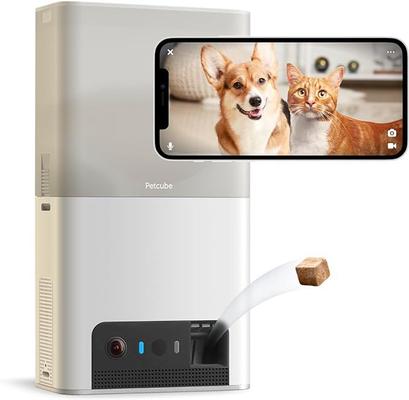
Treat dispensers also need care. A dog may learn to stare at the camera or bark for food. Use treats as occasional rewards, not as the main way to keep your dog occupied.
Is a Pet Camera Worth It?
A pet camera is worth it when it helps you make informed decisions. It can reassure you during a long workday, help a pet sitter, and provide useful information after a vet visit.
The benefits include:
• Remote check-ins
• Early awareness of unusual behavior
• Better understanding of barking patterns
• Two-way communication
• Support for training routines
• Extra peace of mind
The limitations are just as important. A camera cannot provide exercise, physical comfort, emergency care, or reliable medical monitoring. Internet outages and power failures can also stop recording.
The best camera for watching dogs at home is a support tool, not a replacement for responsible pet care. Dogs still need regular walks, mental stimulation, clean water, safe shelter, and human attention.
If your dog is alone for most of the day, consider a dog walker, trusted neighbor, daycare, or pet sitter. The camera can help you decide whether extra support is needed.
Frequently Asked Questions About What Is the Best Camera for Watching Dogs at Home?
What is the best camera for watching dogs at home without a subscription?
A basic 1080p indoor camera with local microSD storage may be the best option. Check which features work without a cloud plan, because some brands limit alerts and video history unless you pay monthly.
Is a pet camera better than a regular security camera?
A pet camera usually offers dog-focused features such as bark alerts, treat tossing, and pet activity reports. A regular security camera may cost less and still provide strong video, night vision, and two-way audio.
Do dog cameras work without Wi-Fi?
Most smart dog cameras need Wi-Fi for live viewing and phone alerts. Some may keep recording locally during an internet outage, but you usually cannot watch the video remotely until the connection returns.
Can I use a dog camera to help separation anxiety?
A camera can show what happens after you leave, but it cannot treat separation anxiety by itself. If your dog panics, consult a veterinarian or qualified behavior professional for a gradual and safe plan.
Is 1080p enough for watching a dog?
Yes, 1080p is enough for most rooms and routine check-ins. Choose 2K if you need more detail, have a large room, or want to inspect small movements from farther away.
Are treat-dispensing cameras safe?
They can be safe when used with suitable treats and regular cleaning. Keep the device secure, avoid large or moist treats, and do not use it as a replacement for meals, exercise, or supervision.
Where should I place a dog camera?
Place it in a corner with a clear view of your dog’s main activity area. Keep it away from windows, loose cords, heat, moisture, and any location your dog can knock down or chew.
Conclusion
The best camera for watching dogs at home is usually the Furbo 360 Dog Camera 2K for owners who want clear video, a wide view, smart alerts, and pet-focused tools. A less expensive pan-and-tilt indoor camera may be better if you only need live video and basic alerts.
Focus on video quality, viewing range, night vision, Wi-Fi strength, privacy, storage, and subscription costs. Set the camera up safely, study your dog’s patterns, and use what you learn to improve daily care.
Start by measuring your main room and listing the features you truly need. Then compare current models, test your Wi-Fi, and choose a camera that gives both you and your dog more comfort.
