
A robot camera can cost from about $30 for a toy model to over $100,000 for an industrial system.
The wide price range comes from one simple fact: “robot camera” can mean many things. It may be a small rolling home camera, a telepresence robot, a robotic PTZ camera for video production, or an autonomous inspection machine. This guide explains how much a robot camera costs, what affects the price, and how to choose the right system without paying for features you do not need.
How Much Does a Robot Camera Cost?
For most buyers, a robot camera costs between $100 and $5,000. Basic home robots sit at the low end, while professional video and business systems cost much more.
Here is a practical price guide:
• Toy and beginner robot cameras: $30 to $150
• Home monitoring robots: $150 to $800
• Telepresence robots: $1,000 to $5,000
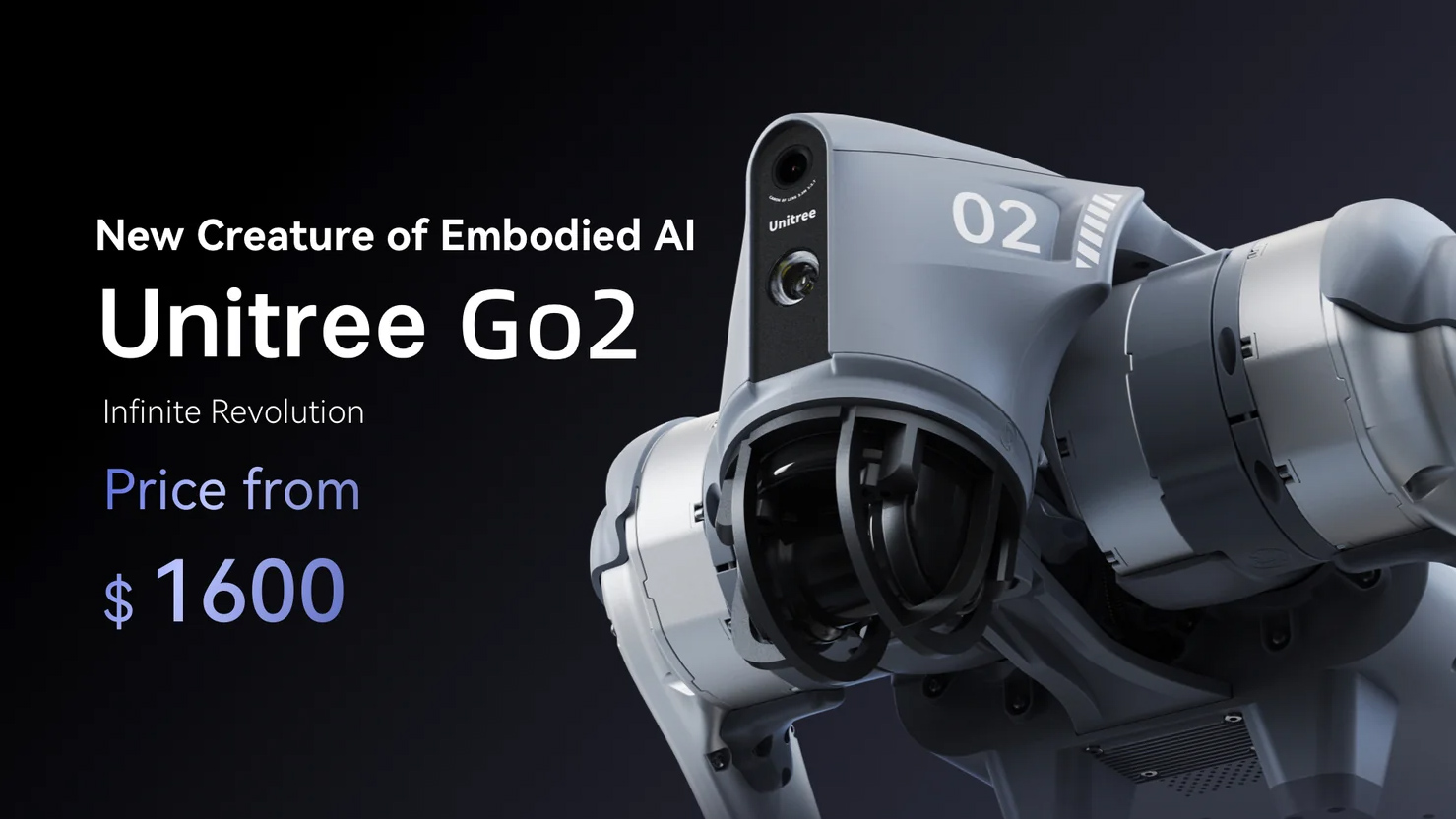
• Robotic PTZ cameras: $500 to $10,000
• Security and patrol robots: $5,000 to $50,000 or more
• Industrial inspection robots: $10,000 to $100,000 or more
• Custom robotic camera systems: $20,000 to several hundred thousand dollars
These figures usually cover the main hardware. They may not include shipping, installation, software plans, cloud storage, staff training, repairs, or custom programming.
A low-cost robot camera may offer remote movement and basic video. An expensive model may add obstacle avoidance, thermal imaging, artificial intelligence, automatic tracking, secure networking, and long-term support. Think of the camera as the “eye,” but remember that the motors, sensors, software, and support often drive the final price.
What Is a Robot Camera?
A robot camera is a camera mounted on or built into a moving machine. It can change position, turn, follow a subject, patrol an area, or let a remote user interact with a space.
The term covers several product types:
Rolling home camera robots
These robots move across floors and stream video to a phone. Some include two-way audio, motion alerts, charging docks, and smart-home links.
They are useful for checking pets, children, older family members, or a home office. Most use Wi-Fi and need a clear floor path.
Telepresence robots
A telepresence robot lets a person appear in another place through a screen and camera. The user controls the device through an app or web platform.
Schools, hospitals, offices, and remote teams may use them. Their cost is higher because they combine video, audio, navigation, batteries, displays, and communication software.
Robotic PTZ cameras
PTZ means pan, tilt, and zoom. These cameras can turn from side to side, move up and down, and zoom in on a subject.
They are common in churches, conference rooms, sports venues, classrooms, and studios. Some models track a speaker automatically, while others need a remote operator or control system.
Autonomous security robots
Security robots move through buildings, parking areas, warehouses, or outdoor sites. They may use cameras, microphones, thermal sensors, lidar, and artificial intelligence.
These systems are built for demanding work. As a result, the purchase price and service cost can be much higher than those of a home robot.
Robot Camera Price Ranges by Use
The best way to understand robot camera pricing is to match the device to its job. A small home robot and an industrial inspection robot may both have cameras, but they solve very different problems.
Home robot cameras: $150 to $800
A home robot camera often includes:
• Remote driving
• Live video streaming
• Two-way voice communication
• Motion detection
• Automatic charging
• A mobile app
Some models can move between rooms and send alerts when they see motion. Others stay in one place but rotate or follow a person.
The main limits are battery life, Wi-Fi range, floor design, and privacy. A device may struggle with rugs, stairs, dark rooms, or cluttered spaces.
Telepresence robots: $1,000 to $5,000
A telepresence robot costs more because it usually includes a tall frame, screen, speakers, microphones, and advanced remote controls.
Business buyers should also consider:
• Software subscriptions
• Device management
• User accounts
• Security updates
• Replacement batteries
• Technical support
A telepresence robot can help a remote worker join meetings or allow a student to attend class from home. However, it may not replace a full human presence. It still depends on good internet access and someone who can manage the device.
Robotic PTZ camera systems: $500 to $10,000
A robotic PTZ camera may be the best choice for live video. Basic models may cost a few hundred dollars. Professional systems with strong zoom, smooth motion, tracking, and multiple outputs can cost several thousand dollars.
A complete setup may also need:
• A tripod or wall mount
• Video cables
• A switcher
• A controller
• Microphones
• Lighting
• Streaming software
This is where many buyers make a mistake. They compare only the camera price and forget the rest of the production system.
Security robots: $5,000 to $50,000 or more
Security robots may patrol on a schedule, detect movement, record video, and send alerts. Some models support license plate reading, thermal cameras, facial recognition, or access control.
The price depends on the environment. Indoor robots usually cost less than outdoor robots because outdoor units need stronger weather protection, larger batteries, better navigation, and more durable wheels.
Industrial camera robots: $10,000 to $100,000 or more
Factories and research sites may use robotic cameras for inspection, mapping, hazardous areas, and remote operation.
An industrial robot camera may need:
• High-resolution imaging
• Thermal or infrared sensors
• Chemical or gas detection
• Robotic arms
• Precise positioning
• Dust and water protection
• Integration with factory software
At this level, the camera is only one part of the investment. Engineering, testing, installation, and training can equal or exceed the hardware cost.

What Affects Robot Camera Cost?
Several features can change the price by hundreds or thousands of dollars. Understanding them helps you compare products fairly.
Camera quality
Resolution matters, but it is not the only factor. A 4K camera may produce sharper video than a 1080p camera, yet low-light performance and lens quality may matter more in a dark warehouse.
Look at:
• Resolution
• Frame rate
• Optical zoom
• Digital zoom
• Low-light performance
• Dynamic range
• Image stabilization
• Field of view
A wide lens helps you see more of a room. Optical zoom keeps detail clearer than digital zoom.
Movement and navigation
A simple robot may move forward, backward, and in circles. A more advanced system can map a building and avoid people, walls, pets, and furniture.
Navigation features that raise the price include:
• Lidar
• Depth sensors
• Ultrasonic sensors
• GPS
• Visual mapping
• Automatic route planning
• Obstacle detection
If the robot only needs to rotate on a stand, you may not need expensive autonomous navigation.
Artificial intelligence
AI features can include subject tracking, person detection, face recognition, object alerts, and automatic event classification.
These features may run on the robot, on a local computer, or in the cloud. Local processing may improve privacy and reduce cloud fees, but it can require stronger hardware.
Battery life
Battery performance matters for mobile robots. A small home unit may run for one to three hours before charging. A commercial robot may need to work for an entire shift.
Larger batteries add cost and weight. Automatic docking can also raise the price, but it may save time when the robot must operate without constant supervision.
Durability
A consumer robot is not designed for rain, dust, heat, or rough floors. Industrial models may include sealed housings, reinforced frames, and wider operating temperature ranges.
If a robot will work outdoors, check its weather rating. Do not assume that a camera advertised for indoor use can handle rain or direct sunlight.
Software and connectivity
A robot camera may use Wi-Fi, cellular data, Bluetooth, Ethernet, or a private network. Business models often include dashboards, user permissions, event logs, and software updates.
Cloud plans can cost from a few dollars per month to hundreds of dollars per month. Always calculate the total cost over at least three years.
Hidden Costs to Include in Your Budget
The purchase price does not tell the whole story. A robot camera is more like a small vehicle than a simple webcam. It needs power, care, updates, and sometimes a trained operator.
Plan for these extra costs:
• Installation and setup
• Mounts, docks, and charging equipment
• Cloud storage
• Cellular data
• Software subscriptions
• Replacement batteries
• Repairs and spare parts
• Network upgrades
• Staff training
• Insurance
• Custom integration
A $500 camera robot may become a $1,200 project after accessories and setup. A commercial system priced at $15,000 may need another $5,000 for installation and software during its first year.
Ask the seller for a complete three-year cost estimate. This should include hardware, subscriptions, support, maintenance, and expected replacement parts.
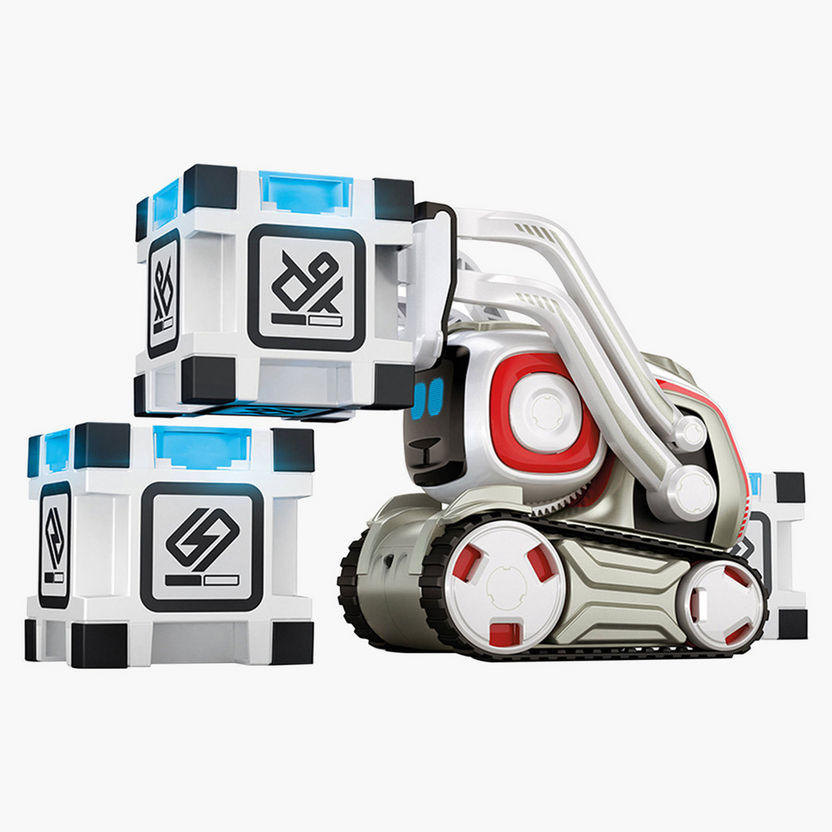
Robot Camera Cost Compared With Traditional Cameras
A traditional security or PTZ camera usually costs less than a mobile robot camera. It may also be easier to install and maintain.
However, a robot camera can provide benefits that a fixed camera cannot:
• It can cover several rooms or areas.
• It can move closer to an event.
• It can provide two-way communication.
• It can inspect areas that are hard for people to reach.
• It can support remote work or remote care.
• It may reduce the need for repeated human checks.
A fixed camera is often the better choice when you need constant coverage of one doorway, cash register, or parking entrance. A robot camera makes more sense when movement, interaction, or flexible viewing is important.
In many projects, the smartest answer is a hybrid system. Fixed cameras can watch key points, while one mobile robot handles remote inspection and unusual events.
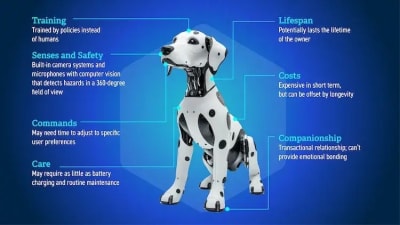
Is an Expensive Robot Camera Worth It?
An expensive robot camera can be worth the money when it saves labor, reduces risk, or performs work that people cannot do safely.
For example, a warehouse may justify a mobile inspection robot if it checks aisles every night. A hospital may value a telepresence robot if it improves access to specialists. A studio may recover the cost of a robotic PTZ camera by reducing camera operator needs for small productions.
The investment may not make sense when:
• A fixed camera solves the problem.
• The robot has no clear daily task.
• Your Wi-Fi is weak.
• Staff cannot maintain the device.
• The robot needs constant human control.
• Cloud fees are higher than expected.
A useful test is to write down the robot’s job in one sentence. If the sentence is vague, wait before buying. Clear use cases lead to better purchases.
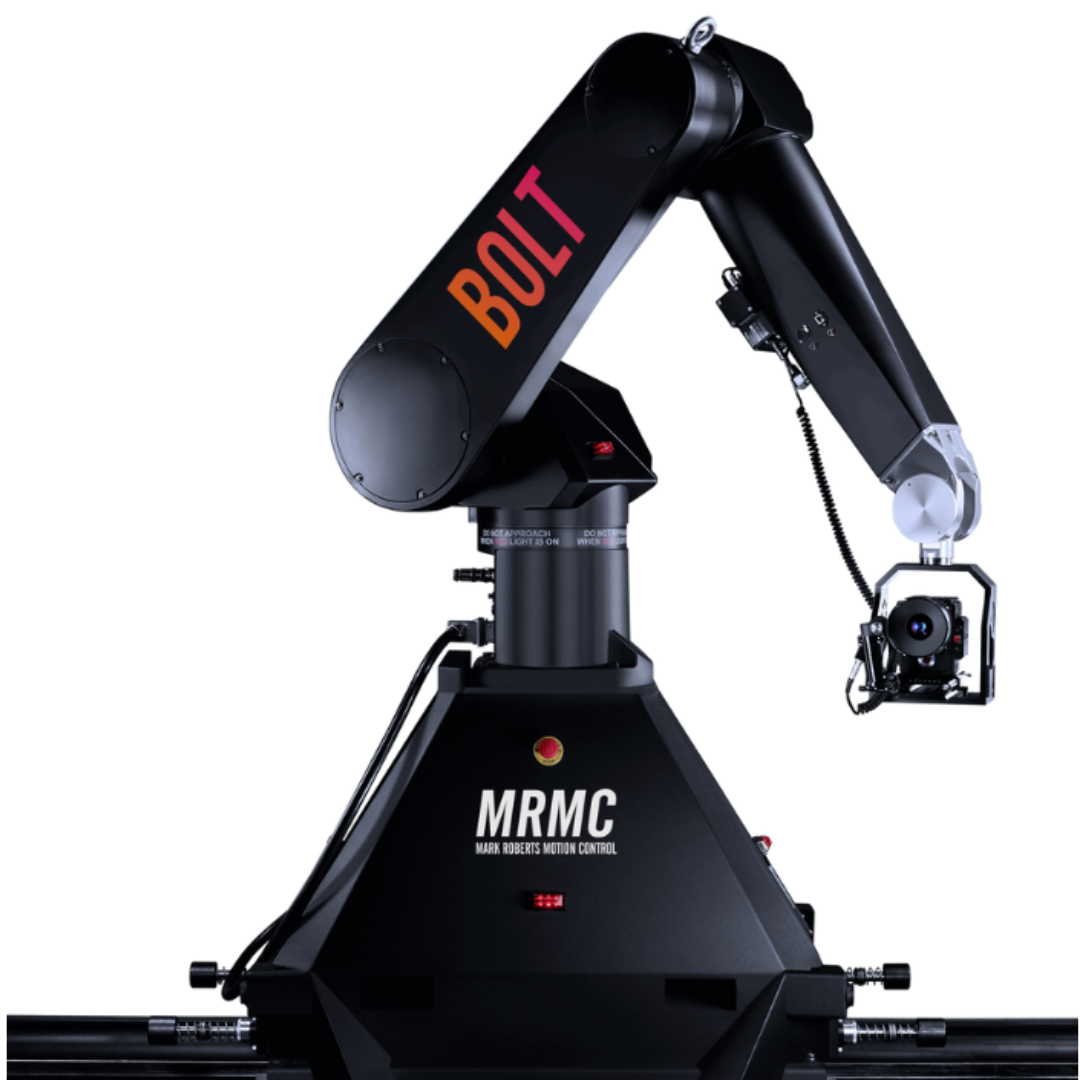
How to Choose the Right Robot Camera
Follow these steps before you compare brands.
Define the main task. Decide whether you need monitoring, video production, telepresence, security, inspection, or entertainment.
Measure the environment. Note room size, floor type, stairs, lighting, weather, noise, and internet coverage.
Set a full budget. Include accessories, subscriptions, support, and maintenance.
Choose required camera features. Decide whether you need 4K, night vision, optical zoom, thermal imaging, or wide-angle video.
Check movement needs. A rotating camera may be enough. Full autonomous travel costs more.
Review privacy and security. Look for encryption, account controls, update policies, and local storage options.
Test before a large purchase. A pilot project can reveal problems with Wi-Fi, navigation, battery life, or staff training.
Ask about support. Confirm warranty length, repair times, replacement parts, and software support.
From evaluating technology purchases, one lesson stands out: buyers often focus on impressive demonstrations rather than daily reliability. A robot that performs perfectly in a clean showroom may struggle with low light, cables, rugs, or crowded rooms.

Ways to Lower Robot Camera Cost
You do not always need the newest or most advanced model. A few careful choices can lower the total price.
• Choose 1080p if you do not need detailed zoom.
• Select local storage if cloud storage fees are high.
• Buy a refurbished unit from a trusted seller.
• Use an existing monitor, network, or control system when compatible.
• Start with one robot instead of outfitting an entire site.
• Choose a fixed PTZ camera if mobility is not essential.
• Negotiate installation and support as part of the purchase.
• Compare the three-year total cost, not only the sale price.
Avoid cutting costs on safety, cybersecurity, or critical batteries. A cheap robot that fails during an important inspection can cost more than a reliable model.
Common Mistakes When Buying a Robot Camera
The first mistake is confusing digital zoom with optical zoom. Digital zoom enlarges pixels and may produce a blurry image. Optical zoom uses the lens and usually preserves more detail.
The second mistake is ignoring the network. Video robots can use a great deal of bandwidth, especially when streaming high-resolution footage. Test Wi-Fi strength in every area where the robot will operate.
The third mistake is overlooking privacy. A moving camera can see bedrooms, offices, customers, or private conversations. Use strong passwords, multi-factor authentication, restricted accounts, and clear recording rules.
The fourth mistake is failing to plan for maintenance. Batteries wear out, wheels collect dust, software changes, and charging docks can fail. Ask who will manage the system after installation.
Frequently Asked Questions About How Much Does a Robot Camera Cost?
How much does a basic robot camera cost?
A basic robot camera for home use often costs between $100 and $500. Toy models may cost less, while better navigation, two-way audio, and automatic charging can raise the price.
How much does a professional robot camera cost?
A professional robotic PTZ camera commonly costs $500 to $10,000. A full setup may cost more after adding mounts, controllers, microphones, lighting, software, and installation.
Are robot cameras expensive to maintain?
Maintenance varies by design and use. Common costs include cloud subscriptions, replacement batteries, software support, repairs, and cellular data.
Does a robot camera need Wi-Fi?
Most home and telepresence robots need Wi-Fi for remote control and video streaming. Commercial models may also support Ethernet, cellular networks, or private wireless systems.
Can I use a robot camera for security?
Yes, many robot cameras support live monitoring, motion alerts, patrol routes, and two-way audio. They should support a broader security plan rather than replace locks, alarms, access controls, and fixed cameras.
Is a robot camera better than a fixed camera?
It depends on the task. A fixed camera usually costs less for watching one location, while a robot camera offers movement, remote interaction, and flexible viewing.
What is the most expensive type of robot camera?
Industrial inspection robots, outdoor security robots, and custom robotic camera systems are usually the most expensive. Their prices can reach $100,000 or more when sensors, software, integration, and support are included.
Conclusion
How much does a robot camera cost? The answer ranges from around $30 for a basic toy to more than $100,000 for a custom industrial system. Most home buyers should expect $150 to $800, while professional video users may spend $500 to $10,000.
The right choice depends on the job, not the feature list. Define your use case, check the environment, calculate the full ownership cost, and test the system before making a large purchase. Compare reliable models today, and share your intended use in the comments so you can choose a robot camera with confidence.
